

April 27, 2026

In the fashion e-commerce, the quality of your product photos act as the ultimate digital handshake between the brand and the consumer. As a professional editor, we have seen how the accuracy of a manual clipping path improve a fashion & apparel photos from a mere listing to a premium
April 22, 2026
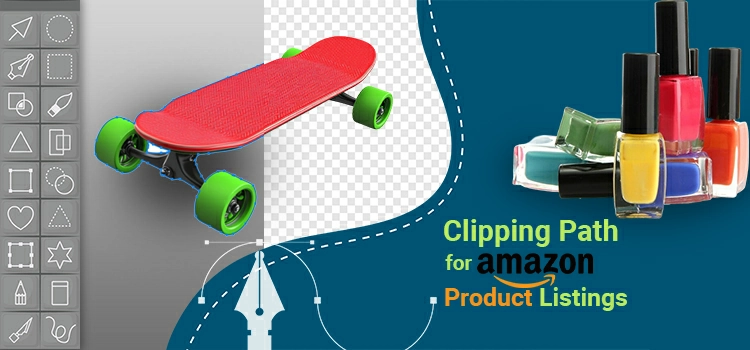
In the Amazon FBA, your product image is not just a picture, it is your conversion engine. By the time we hit 2026, the landscape of Amazon has shifted from simple keyword matching to an AI-driven, visually heavy ecosystem. With the integration of Rufus, Amazon’s AI shopping assistant and the
April 15, 2026

For commercial product images, visual quality is critical. However, capturing a good photo is only the first step. After a product photoshoot, images must go through a proper editing process to achieve a polished, market-ready look. Here needs clipping path for e-commerce product photography. The key steps in this process
April 9, 2026
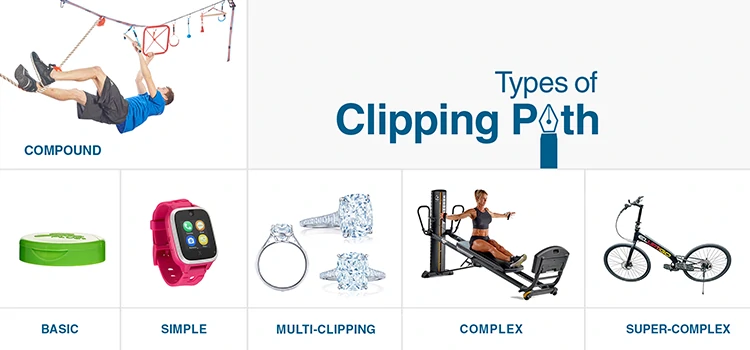
In professional product photography, clipping path service is the foundational element of image quality improvement. Whether you are managing an e-commerce company’s inventory or retouching a single hero shot for a luxury brand, understanding the different types of clipping path is essential for photo editing budgeting, product listing scheduling, and
April 4, 2026
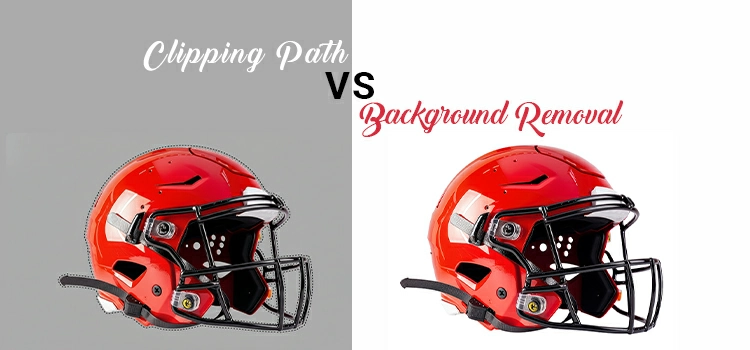
In the professional photo editing industry, terminology often gets blurred. Clients frequently ask for background removal service when they also need a clipping path service and vice versa. While these terms are related, they are not interchangeable. As a team of expert photo retouchers working with high-end brands, we see
April 2, 2026
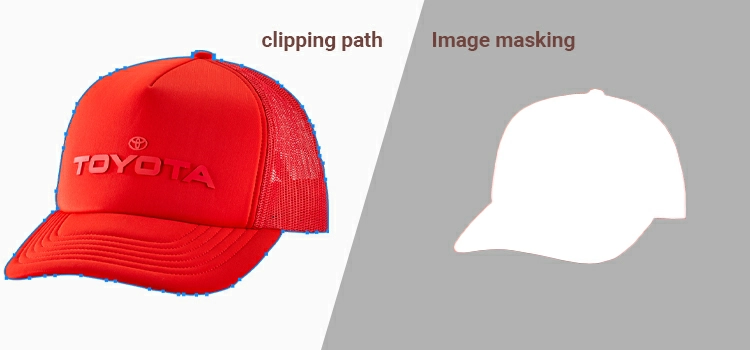
Clipping path and image masking are the two core techniques for isolating objects from backgrounds in Adobe Photoshop. A clipping path uses the Pen Tool to create a hard-edged vector selection, ideal for solid products like electronics, furniture, and packaged goods. Image masking uses transparency and opacity gradients to preserve
March 29, 2026

We are working in the great automation time. As we move through 2026, if you open any creative or tech journal, you will find that everybody is talking about AI Photo Editing and how Generative AI has solved photography and product photo editing. With a single prompt image shadows vanish,
February 23, 2026
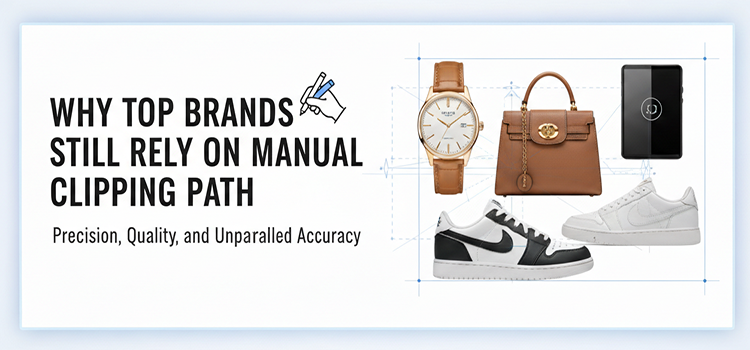
AI can remove a background in a second. So why the biggest brands do still pay real humans to draw clipping paths, refine masks, and clean edges? Because in e-commerce, edges are money. When your product photo is the first handshake, a sloppy cutout is like showing up with a
February 16, 2026
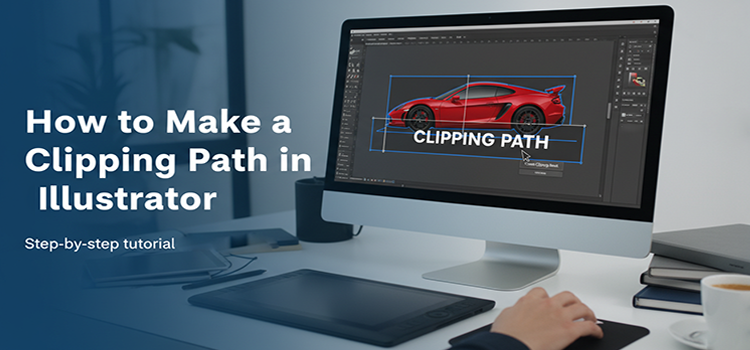
Clipping path is one of the most important skills of photo editors or graphic designers working with vector graphics, ecommerce product photos, print-ready designs, etc. If you have ever needed to isolate an object from messy backdrop, remove a background or replace white background cleanly, or prepare artwork for professional
January 27, 2026
AI retouching simplifies and accelerates image adjustments. But understanding its performance across real-world post-production use cases remains important. So, to better understand how these tools perform in practice, we conducted a structured, head-to-head evaluation across multiple product photography categories.