

October 20, 2026

“Clipping path matters because it directly affects how shoppers perceive a product online. Clean, sharp images build trust and drive sales. Sellers who ignore this step lose customers to competitors who present their products with clear, professional photos.” Online shoppers cannot touch, smell, or test a product before buying. They
October 13, 2026

“Brands are returning to manual hand drawn photo editing because it adds a human touch that customers trust. AI editing feels fast but often looks generic. Manual editing gives brands unique visuals, better emotional connection, and stronger trust with their audience.” Photo editing shapes how people see a brand. For
September 29, 2026

“Apple added three new photo editing tools to iPhone and Mac. Clean Up removes unwanted objects from photos. Extend adds more space around a photo using AI. Reframe changes the angle and crop of a photo. All three use Apple Intelligence and work for free right now.” Apple took its
September 22, 2026
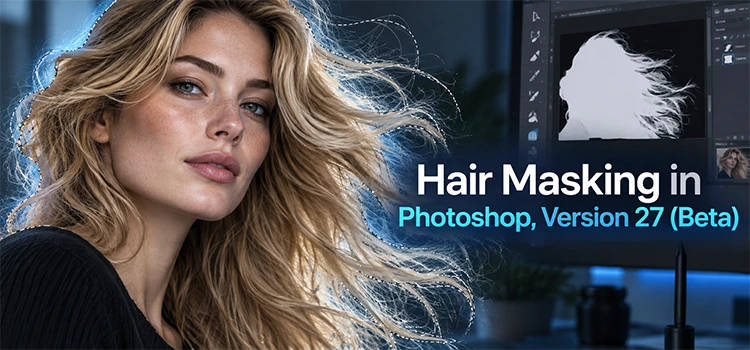
“Hair masking in Photoshop Beta 27 uses AI to select hair, remove backgrounds, and fix edge halos with Enhance Edge. It saves editors time, though it also has credit costs and limits on high resolution images with fine hair detail.” Photoshop Beta 27 brings a fresh way to handle one
September 19, 2026
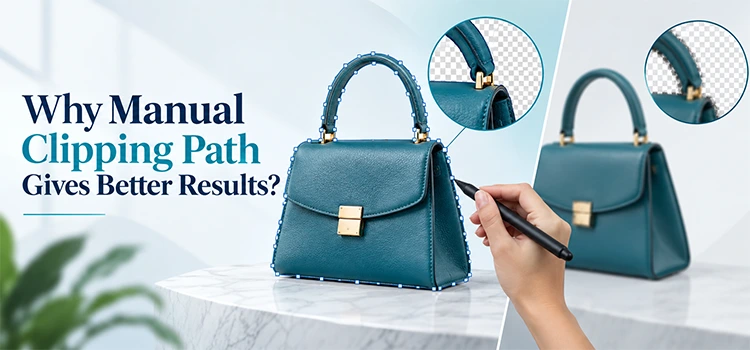
“Manual clipping path gives better results because a real person controls every curve and edge. This method handles complex shapes, fine details, and tricky edges with accuracy. Software tools often miss small details. Manual work respects each image and produces clean, professional output every time.” Product photos need clean edges.
September 13, 2026
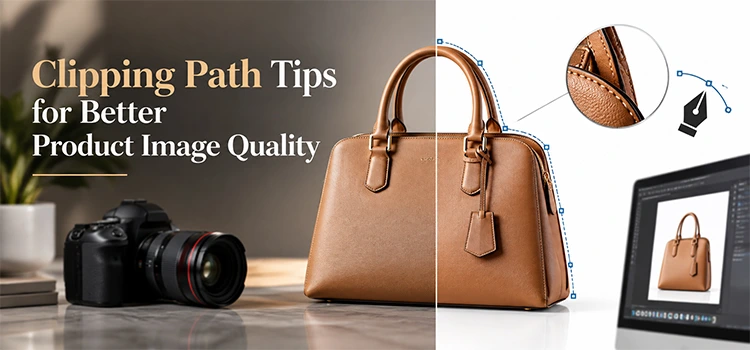
Clipping path improves product image quality by removing messy backgrounds, sharpening edges, and giving each item a clean, professional look. Good tips include using the pen tool for accuracy, zooming in on curves, keeping anchor points minimal, and checking edges after every cut. These steps help online sellers present products
August 29, 2026

“Fashion brands need clean, consistent product images to sell clothes online. The right editing partner saves time and boosts conversions. Here the top ten best providers that deliver professional results, fast turnaround, and fair pricing for clothing businesses of all sizes.” Choosing the right image editing company matters more than
August 20, 2026

“Ghost mannequin pricing typically ranges from $1.50 to $7.50 per image. Simple garments cost less. Complex items with many parts cost more. The final price depends on image volume, turnaround time, and editing complexity.” Ghost mannequin editing makes clothing look like an invisible model wears it. This creates a clean,
August 15, 2026
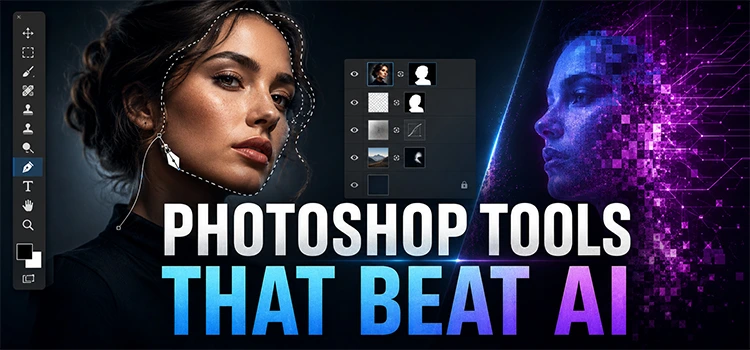
“Photoshop gives editors full control that AI often cannot match. AI can create quick results, but it changes details without asking. Photoshop tools let you adjust color, texture, type, masks, mockups, and layers with care, precision, and repeatable results every time.” AI has changed image editing. It helps people test
August 2, 2026
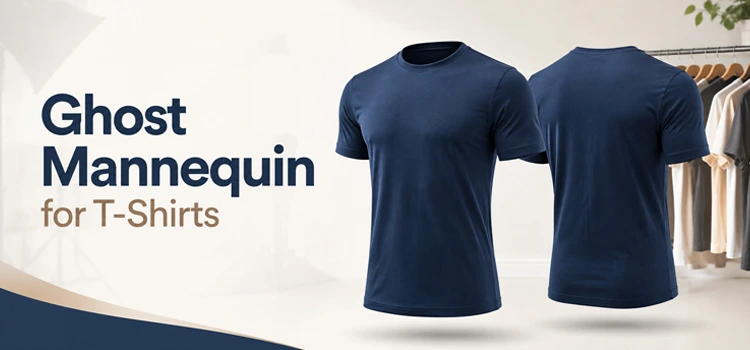
“Ghost mannequin removes the mannequin or model from a t-shirt photo and creates a hollow, 3D effect. This makes the shirt look naturally worn without showing any support. It improves product appeal and drives more sales for clothing brands.” Ghost mannequin service helps t-shirt sellers show their products in the