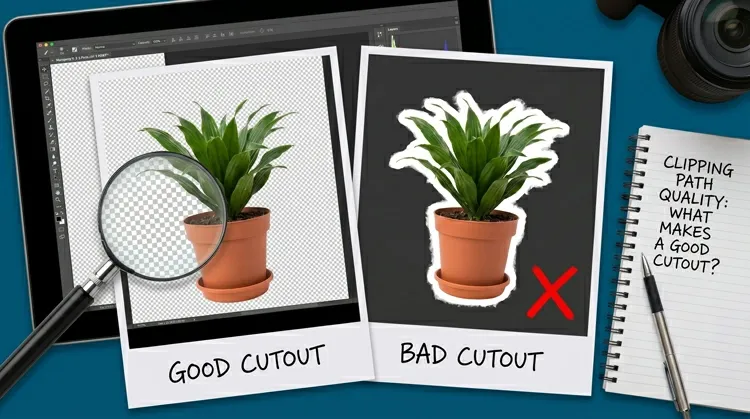
Multiple Clipping Path vs. Single Path: When and Why
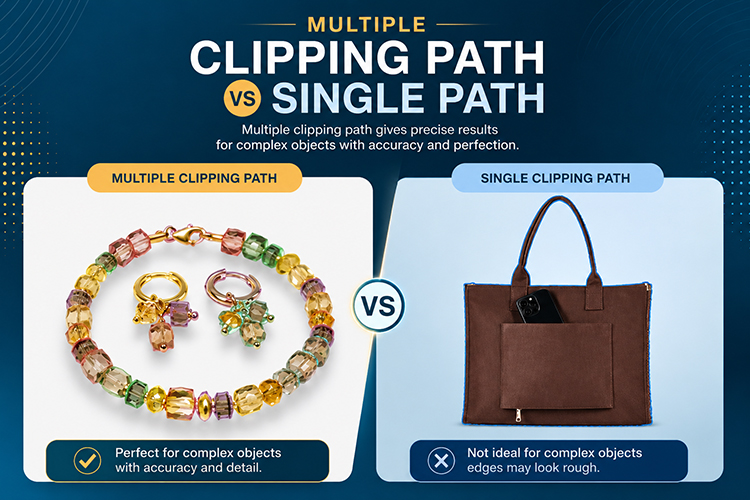
If you have ever involved in product photography, e-commerce product images, or professional photo editing, you have likely listened the term “clipping path.” But here the interesting fact is: not all clipping paths are equal. Understanding when to use a single path or the multiple paths can be the difference between amateur-looking images and professional-grade results.
Let’s explore the realm of clipping path and find out how and when you need to implement them.
What Exactly Is a Clipping Path?
Before we dive into the comparison, it is good to first understand what a clipping path actually is. A clipping path is essentially a vector shape that we draw with the help of an image editing tool (usually Adobe Photoshop) through the use of the Pen Tool. Once this path we make, it works as a mask that select the area of the product or subject and separate it from the rest of the background.
So, you can isolate, extract, or make changes to selected elements within a composition.
In a way, it is like using scissors to neatly cut out the outline of a figure, but this operation is done digitally, you can undo it at any time, and you can make it super accurate.
Single Clipping Path: The Foundation
A single clipping path means you make only one continuous closed line to outline the whole subject. It’s simple, efficient, and very suitable for many ordinary uses.
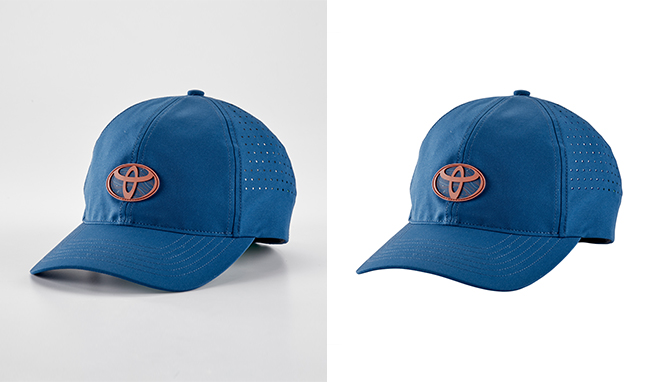
When to Use a Single Clipping Path
Simple Product Photography
If your product photograph is on a white one-color background such as a coffee mug, book, or simple piece of jewelry, a single path is enough to make a selection. It allows taking out the background for a neat and highly professional appearance.
Time-Sensitive Projects
Working on a tight deadline? Single paths are quicker to make, so they can be perfect for situations where time is running out and you have big batch of images to process.
Basic Background Removal
When your objective is to get rid of the background and put your product on a white, transparent, or any other solid color, it is not necessary to create several paths and make things complicated.
Budget-Conscious Projects
Single clipping paths are cheaper because they take less of your time and involve fewer skills. Startups and small businesses with limited budget, usually find it to be a practical option for their simple ecommerce product photos.
Limitations of Single Paths
Single paths, though versatile, have their limits. They process the whole subject as a single object so different parts cannot be edited separately. For example, if you want to alter the color of the shoe sole while keeping the upper the same, then you will need a more advanced tool.
Multiple Clipping Paths: Accuracy and Control
Multiple clipping paths refer to the technique of making more than one outline by pen tool for various elements in a single picture. In other words, rather than enclosing the whole object with one path, you make separate paths for the different parts – the car body, its windows, wheels, and chrome details for example.
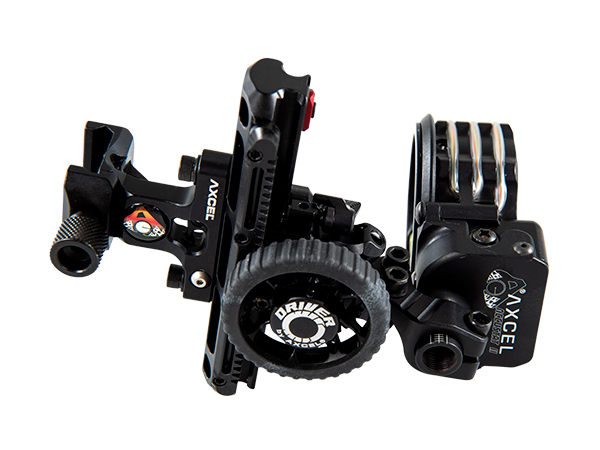
This technique unlocks a new dimension of editing flexibility.
When to Use Multiple Clipping Paths
Complex Product Photography
Are you shooting a piece of furniture, an electronic, a vehicle, or a fashion item? Why not use multiple paths to independently manage each part of your item. You may, for example, replace the wood finish on a chair without changing the cushion or modify the color of a shirt without the buttons being altered.
Color Correction and Adjustments
Product parts are often made of different materials. First, they have to be treated separately through color correction processes. For instance, consider a watch comprising a leather strap, a metal case, and a glass face. Each material reflecting light differently needs individual treatment.
Shadow and Lighting Effects
Besides changing colors, shadows, and lighting effects often make the biggest difference in creating a sense of depth and dimension in images. Attaching shadows to specific regions (like the area under the shoe sole) while keeping other sections (like the upper) free from shadows can easily be done with multiple paths.
High-End Retouching
When it comes to luxury brands and premium catalogs, nothing less than perfect is acceptable. Multiple clipping paths offer the level of detail-oriented retouching that lavish products warrant, granting editors the capability to work on each surface, texture, and detail thoroughly.
E-commerce Customization
Do you want your customers see the different colors available for a particular product? Multiple paths will let you change the hues of specific components without having to shoot an entire product line again.
Magazine and Catalog
Work Editorial photography is often quite a challenge for photo manipulation, for example, wrapping text around product elements or making a layout that contains complex image features. Multiple paths give the designers the same level of control that they rely on.
The Technical Difference
From a workflow perspective, here are what set them apart:
Single Path:
- One continuous outline
- Faster to create (typically 2-5 minutes for simple objects)
- Less expensive
- Limited editing flexibility
- Best for isolation and background removal
Multiple Paths:
- Several separate outlines within one image
- More time-intensive (can take 15-30+ minutes depending on complexity)
- Higher cost due to skilled labor
- Maximum editing flexibility
- Ideal for detailed manipulation and color variations
Cost Considerations: Getting What You Pay For
Let’s talk about money: Pricing for clipping path. Single clipping paths are quite cheap, usually cost around $0.50 to $2.00 per image based on the complexity and volume. Multiple clipping paths, because of their complexity and time requirements, could cost from $3.00 to $10.00+ per image.
But the point is this: it is not only about the price, it is about the worth. Spending money on multi-paths for a product image that will bring sales is a great business decision.
For simple background removal on hundreds of catalog items? Single paths are the way to go.
Making the Right Choice: A Practical Framework
Still unsure which path to take?
Ask yourself these questions:
- What is your end goal? Simple background removal or detailed manipulation?
- How complex is your subject? One material or multiple components?
- What is your budget and timeline? Rush job or perfection-focused project?
- Where will this image appear? Social media thumbnail or magazine cover?
- Do you need variations? Multiple color options or one-and-done?
Now select the quality clipping path based on the above array of questions for your business image solution.
Related posts
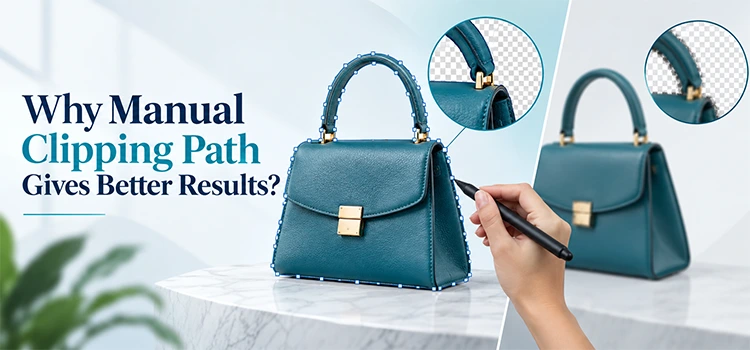
Why Manual Clipping Path Gives Better Results