

October 13, 2026

“Brands are returning to manual hand drawn photo editing because it adds a human touch that customers trust. AI editing feels fast but often looks generic. Manual editing gives brands unique visuals, better emotional connection, and stronger trust with their audience.” Photo editing shapes how people see a brand. For
August 29, 2026

“Fashion brands need clean, consistent product images to sell clothes online. The right editing partner saves time and boosts conversions. Here the top ten best providers that deliver professional results, fast turnaround, and fair pricing for clothing businesses of all sizes.” Choosing the right image editing company matters more than
July 7, 2026

A Golden Hour Tool helps photographers plan ideal natural light sessions by predicting optimal shooting times. It reduces guesswork, adapts to location, season, and weather, enabling portraits, products, travel, weddings, and outdoor photography with consistently beautiful golden-hour results every time. A Golden Hour Tool helps photographers find the best time
June 22, 2026
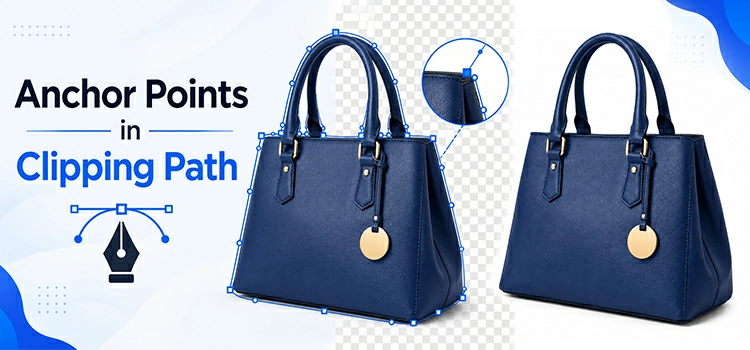
Anchor points control every clipping path that you draw around the product. Too few points, your path looks jagged. Too many, it becomes a nightmare to edit. Creating right number of anchor points saves time and produces clean, professional results. For clipping path, photo editors create anchor points using pen
June 18, 2026
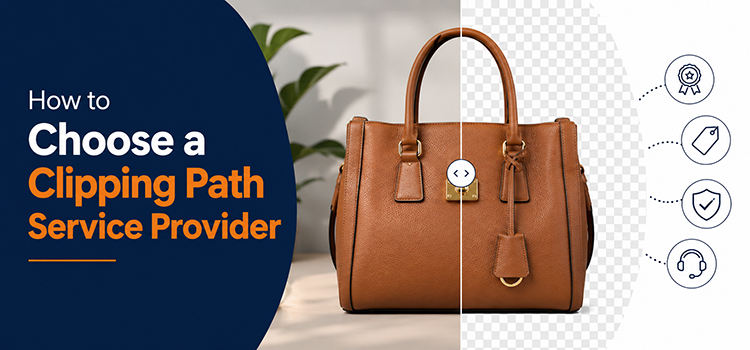
Choosing the right clipping path service provider can save you time, money, and a lot of frustration. Multiple clipping path options cannot deliver the desired quality. Some clipping path company will fail to deliver quality standard, some will fail to meet deadline and some others will demand high service rate.
June 9, 2026
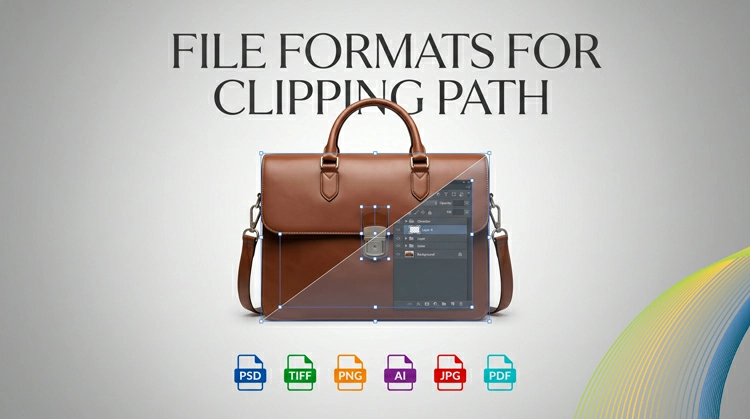
When you do professional photo editing, you know that a perfect clipping path is just half of the job. What is the other half? It is saving your project in the right file format. If you pick an unsuitable image format, you will lose the transparency data, the image quality
June 4, 2026
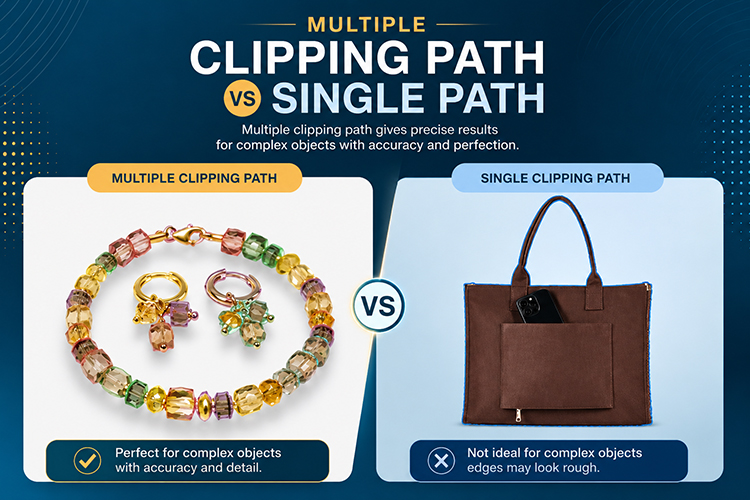
If you have ever involved in product photography, e-commerce product images, or professional photo editing, you have likely listened the term “clipping path.” But here the interesting fact is: not all clipping paths are equal. Understanding when to use a single path or the multiple paths can be the difference
May 25, 2026
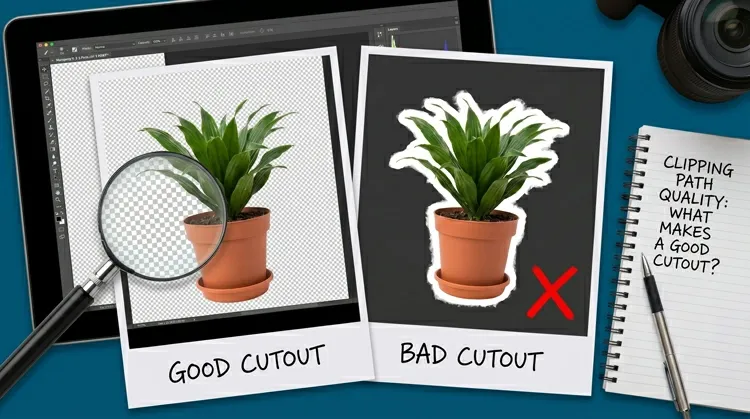
Clipping path is a workhorse in product shooting, graphic design & e-commerce. It is the cut decided how perfect image you are providing to your client. So, how actually a cutout should look? Read below to explore the anatomy of a perfect clipping path. The Foundation: Accuracy at Every Anchor
May 7, 2026

In advertising and catalog production, product image quality can make the difference between campaign success and failure. Whether you are creating a glossy print catalog, a digital ad campaign, an e-commerce platform, a single editing technique stands as the foundation of professional product presentation: the clipping path. This comprehensive guide
April 2, 2026
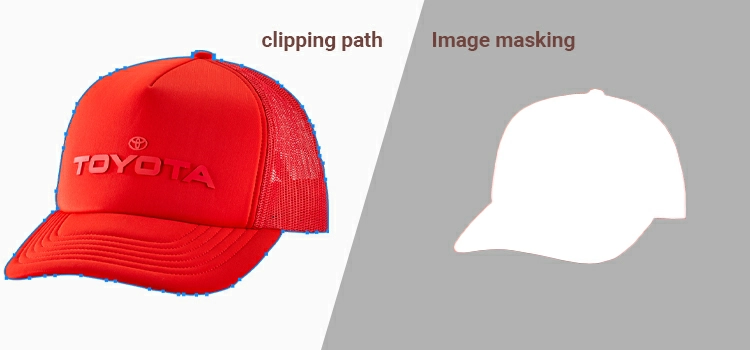
Clipping path and image masking are the two core techniques for isolating objects from backgrounds in Adobe Photoshop. A clipping path uses the Pen Tool to create a hard-edged vector selection, ideal for solid products like electronics, furniture, and packaged goods. Image masking uses transparency and opacity gradients to preserve