How to Choose a Clipping Path Service Provider
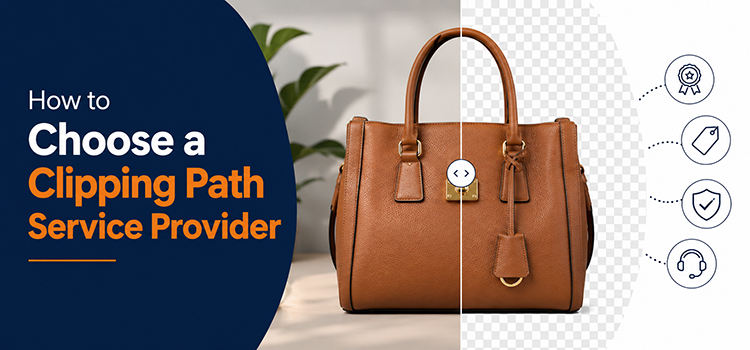
Choosing the right clipping path service provider can save you time, money, and a lot of frustration. Multiple clipping path options cannot deliver the desired quality. Some clipping path company will fail to deliver quality standard, some will fail to meet deadline and some others will demand high service rate. These facts will make the selection of right clipping path service provider difficult.
But during negotiation with the clipping path companies, you must keep in mind some basic points that will help you choosing the best experts.
Here is what you need to check before you commit.
What are the Parameters of the Best Clipping Path Service Provider?
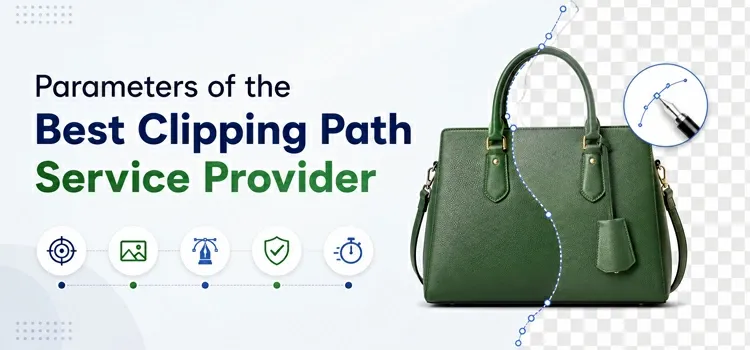
Check Their Portfolio First
A good clipping path service provider always shows their work. Look at their sample images. Check the edges. Are they clean and precise? Do the cutouts look natural? Pay attention to complex images- hair, fur, jewelry, and transparent objects are hard to cut. If they handle those well, they can handle your work too.
Understand the Skill Levels They Offer
Clipping path work is not one-size-fits-all. Most providers offer different complexity levels:
- Basic– Simple shapes like boxes, books, or single products
- Medium– Products with holes or curves, like chairs or shoes
- Complex– Items with hair, fur, or intricate details
- Super Complex- Jewelry, lace, or group photos with multiple layers
Make sure the provider handles the complexity level your images need. Ask for samples at your specific complexity level.
Ask About Their Team
Find out who are doing the actual editing work. Are they a trained in-house team or freelancers? In-house teams deliver more consistent and quality results. Ask how many photo editors and retouchers they have and how they handle large volumes. If you send 500 images for editing, can they deliver on time without compromising?
Check Turnaround Time
Turnaround time matters a lot for an e-commerce store or work with tight deadlines. Most editing service providers offer:
- 24-hour delivery for standard orders
- 12-hour or same-day delivery for rush orders (often at extra cost)
Always fix the deadline before placing a large order. Try to know if they miss the time.
Look at File Format Support
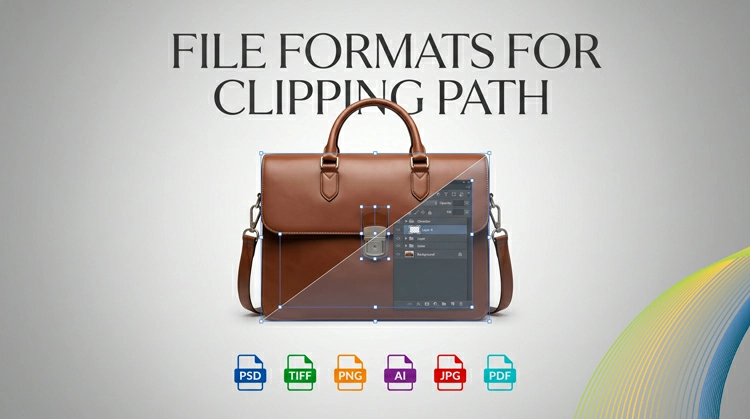
Know what file formats they accept for editing and what formats they return after editing. Will they be able to provide your desired file formats? Common input formats are JPG, PNG, PSD, and TIFF. Common output formats include PNG with transparent background, PSD with clipping path layers, or TIFF. Make sure their output format works with your software and workflow.
Review Their Quality Control Process
Ask how they check quality before delivering files. A good provider has a QA (quality assurance) step. Some providers do a second pass by a senior editor. This step reduces errors and re-edits.
Test with a Free Trial
Most reliable providers offer a free trial. Send them two or three of your most complex images. Evaluate the output carefully. Do not just look at easy images. Test with the hard ones. The trial shows you exactly what to expect.
Read Reviews and Testimonials
Search for reviews on Google, Trustpilot, or industry forums. Look for patterns. If multiple reviews mention slow delivery or poor edges on hair, take that seriously. One bad review can be an outlier. Five bad reviews on the same issue is a red flag.
Evaluate Their Communication
A responsive provider is easier to work with. Message them before you order. See how fast they reply. Check if they understand your requirements clearly. Clear communication prevents mistakes and re-edits.
Understand Their Revision Policy
Mistakes happen. Find out how many free revisions they offer. Some providers offer unlimited revisions until you are satisfied. Others charge after one or two revisions. Know this upfront so there are no surprises.
Clipping Path Service Pricing Guide
Clipping path pricing varies a lot. The cost depends on image complexity, volume, and turnaround time. This guide breaks it all down so you know what to expect and where your money goes.
What Drives the Price?
Three main factors affect the price:
- Image complexity– More complex images take more time and skill
- Volume– More images usually mean a lower per-image price
- Turnaround time– Faster delivery often costs more
Typical Pricing by Complexity Level
Here is a general breakdown of what providers charge per image:
|
Complexity Level |
What It Covers |
Typical Price Range |
|
Basic |
Simple shapes, books, boxes |
$0.25-$0.80 |
|
Medium |
Shoes, bags, chairs with holes |
$0.80-$2.00 |
|
Complex |
Jewelry, hair, detailed clothing |
$2.00-$5.00 |
| Super Complex | Lace, fur, group shots |
$5.00-$15.00+ |
These are industry averages. Prices vary by provider and location. Offshore providers in Bangladesh, India, or the Philippines often charge less than US or UK-based studios.
Volume Discounts
Most providers offer bulk pricing. The more images you send, the less you pay per image. A common structure looks like this:
- 1-50 images: Standard per-image rate
- 51-200 images: 10-15% discount
- 201-500 images: 15-25% discount
- 500+ images: Custom pricing (negotiate directly)
Always ask for a custom quote if you send large volumes regularly. Many providers will offer a monthly package deal.
Rush Delivery Costs More
If you need images back in less than 12 hours, expect to pay a surcharge. Rush fees usually range from 25% to 50% on top of the regular price. Some providers charge a flat rush fee per order.
Plan your workflow to avoid rush orders whenever possible. It saves money.
Add-On Services and How They Affect Price
Clipping path is often the base service. Many providers also offer:
- Background removal– Usually included with clipping path
- Image masking– For hair or fur, may cost more
- Shadow creation (natural, drop, or reflection)– Often $0.50–$2.00 extra per image
- Color correction– Charged separately, usually per image
- Ghost mannequin/neck joint– Common for fashion, priced per item
Know exactly what you need. A full editing package costs more than a simple clipping path.
Subscription and Monthly Plans
If you have a steady flow of images, a monthly plan can save money. Some providers offer:
- Fixed monthly plans (e.g., 500 images per month at a flat rate)
- Pay-as-you-go with a pre-purchased credit package
- Dedicated team arrangements for enterprise clients
Monthly plans usually come with faster turnaround and a dedicated account manager.
What to Watch Out For?
Hidden fees– Always ask if the quoted price includes revisions, format conversion, or file organization.
Quality inconsistency at low prices– Very cheap providers (under $0.20 per image) often compromise on quality. The cost of re-editing or losing clients is higher than the savings.
No transparent pricing page– If a provider won’t share a price list upfront that is a yellow flag. Reputable providers are transparent.
How to Get the Best Price?
- Request quotes from at least three providers
- Send the same set of test images to each
- Compare quality and price together, not price alone
- Ask about long-term rates if you plan to work regularly
- Check if they offer a first-order discount or trial pricing
Clipping Path Free Trial: What to Look For?
A free trial is the best way to test a clipping path provider before you commit. But not all free trials are the same. Here is how to use the trial wisely and what to look for in the results.
Why the Free Trial Matters?
You cannot judge a provider by their website alone. A free trial gives you real output to evaluate. It removes guesswork. It also shows you how the provider communicates, how fast they deliver, and whether their quality matches what they promise.
How Many Images Does a Good Trial Include?
Most providers offer a trial of 2 to 5 images. Some offer up to 10. The number is less important than how you use it.
Do not send easy images. Send the hardest ones you have. Use images with:
- Thin hair strands against a busy background
- Transparent or semi-transparent edges (like glass or lace)
- Fur or feathers
- Jewelry with fine details
- Clothing with flyaway fabric
If they handle these well, they can handle anything.
What to Check in the Trial Output
- Edge Quality
Zoom in to at least 100% or more. Check the edges closely. They should be smooth and natural. There should be no jagged lines, pixilation, or rough cuts. The cutout should look like it belongs in its new background.
- Hair and Fur Detail
This is where many providers fail. Individual strands should be preserved, not clumped together or cut off. The edges of hair should look natural, not like a hard block.
- Transparency Handling
For glass, fabric, or water, the provider should retain semi-transparency. A full hard cut on a transparent object looks fake. Check if they preserve the natural translucency.
- Clean Interior Cuts
If your product has holes (like a chair leg, a bag handle, or a ring), those interior areas should be cleanly cut out too. Miss this and the image looks wrong on a white background.
- Layer Structure (for PSD files)
If you need PSD files with paths embedded, open the file in Photoshop. Check that the path is properly placed. The path should activate cleanly when you apply it.
Check the Delivery Time
Note when you submit the trial and when you receive the files. Is it within the time they promised? Punctuality in the trial usually reflects punctuality in regular orders.
Evaluate Their Communication during the Trial
Did they ask clarifying questions about your requirements? Did they respond to messages quickly? or they send a confirmation when they received your files?
Good communication during the trial means fewer problems later on real orders.
Check the File Naming and Organization
Small providers sometimes return files with random names or in a disorganized folder. A good provider returns files with your original filenames (or a clear naming convention). Organized files save you time when you receive large orders.
Review Revision Handling
After reviewing the trial output, ask for a revision on one image- even a small one. See how fast they respond, if they understand the feedback or if the revision is actually better. This tells you a lot about how they handle real feedback on paid orders.
What Red Flags Look Like?
Watch out for these signs in a free trial:
- Hard, unnatural edges on curved objects
- Hair clumped together or missing strands
- Delivery significantly later than promised
- Slow or unclear responses to your messages
- Refusal to revise a trial image
- Files returned in wrong format or wrong size
One red flag might be a minor issue. Multiple red flags mean you should move on.
How to Compare Multiple Trials?
Send the same images to two or three providers at the same time. Compare the results side by side. Do not pick based on who delivers first. Pick based on who delivers better quality, on time, with clear communication.
Create a simple scoring sheet:
| Provider | Edge Quality | Hair Detail | Delivery Time | Communication | Revision Speed |
| 1. Provider A | |||||
|
2. Provider B |
|||||
|
3. Provider C |
Score each on a 1–5 scale. The highest total wins.
Final Thought
A free trial costs you nothing but time. Use it seriously. Test hard images. Evaluate carefully. The extra effort upfront saves you from bad results and wasted money later.