

October 24, 2022
Photoshop comes with tons of fonts to choose from. You can leverage those fonts and make your text stylish, gripping, and evident as well. But still, you may not find your desired font many times to apply in your design text, logo text, or even solo text. But that doesn’t
August 10, 2022

If you aren’t aware of what a photo collage looks like, this tutorial will come in handy for you. A photo collage assembles multiple photos together to create an artistic effect. You can also create a photo collage to display related images together or highlight a subject through multiple photos.
May 21, 2022
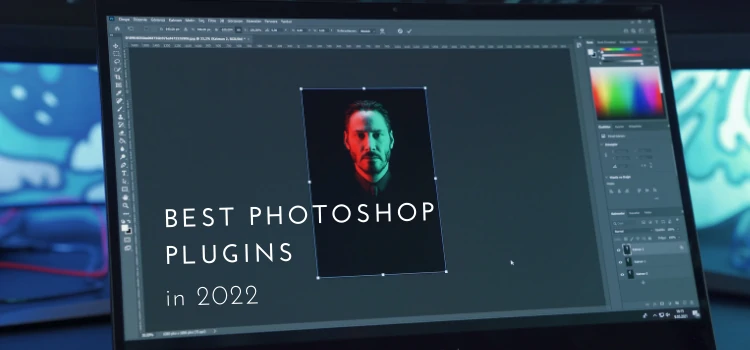
Making graphic design, illustrations, and retouching in Adobe Photoshop can be much easier and more fun with the collection of the best Photoshop plugins. We collected different Photoshop add-ons, so photographers, web, and graphic designers will be pleased. What is a Photoshop Plugin? A Photoshop plugin (aka plug-in) is a
April 29, 2022

Blending mode is an important technique in photoshop to create beautiful images with different effects. Through blending mode color of a layer can be combined with the layer beneath it to give a certain effect. There are different blending modes that can give different results. You will need to choose
March 24, 2022

Photoshop architectural rendering is the process of creating 2D or 3D images or animations showing the attributes of a proposed architectural design. From this rendering, we can learn what an architectural establishment would look like once it is built. Photoshop is a great tool for architects involved in various creative
March 7, 2022
Photoshop should not feel slow. Yet in 2026, even strong computers face lag, freezing brushes, and slow exports. If you’ve waited seconds for a simple action, you understand the frustration. It’s rarely just your hardware. Hidden settings, full scratch disks, outdated workflows, and new AI features can all slow performance.
January 30, 2022
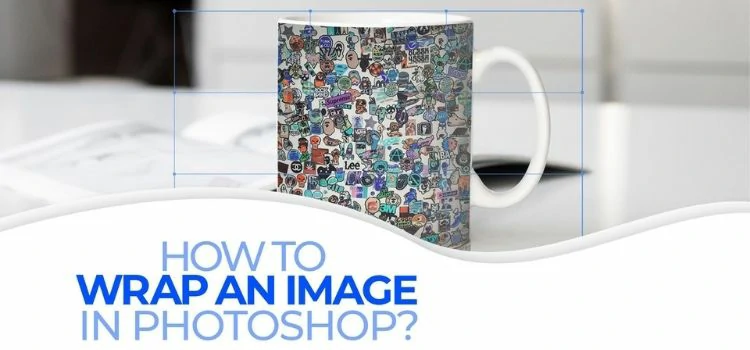
If you want to wrap an image or text around an object without making the image distorted, you will need to warp the image in Photoshop. There are two ways you can do so. First, you can use a predefined shape from the warp style menu at the top bar.
December 15, 2021
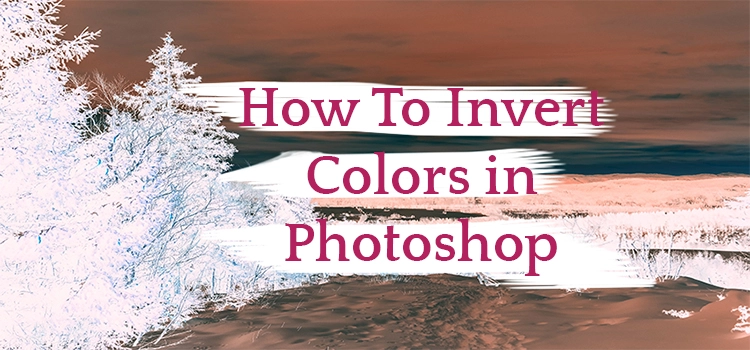
Photoshop makes the color inversion process quite easy. You can invert the colors of an entire image or the parts of an image. It is also possible to invert the colors of multiple photos at once using the Action feature in Photoshop. What Is Color Inversion? Color inversion is the
December 5, 2021
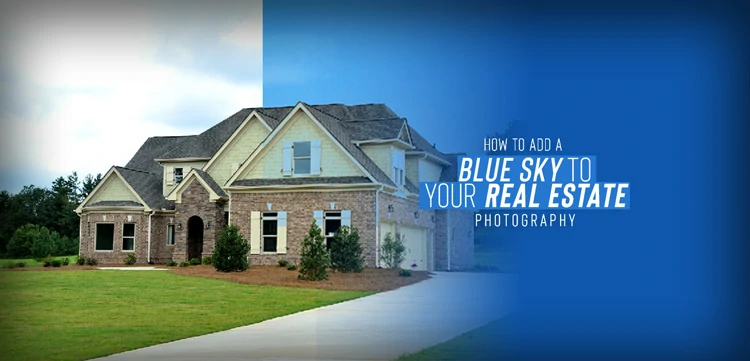
Real estate photography is full of fun, isn’t it? If you are a real estate photographer, you often take long shots covering a large area. No matter whether it’s interior or exterior real estate photography, you go for long shots. If it’s exterior real estate photography, besides the house or
November 22, 2021

Looking for an easy-peasy way to replace the existing monotonous sky from your photo? It can be a landscape picture, a dawn picture, or even a twilight visual, you can replace any of them with a befitting sky photo. You may be wondering what can be reasons to replace the