Clipping Path Tips for Better Product Image Quality
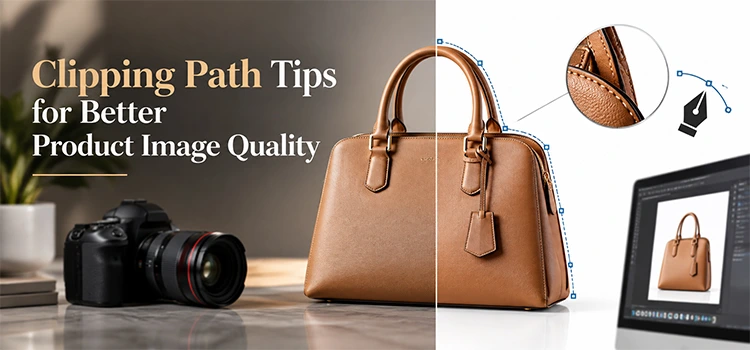
Clipping path improves product image quality by removing messy backgrounds, sharpening edges, and giving each item a clean, professional look. Good tips include using the pen tool for accuracy, zooming in on curves, keeping anchor points minimal, and checking edges after every cut. These steps help online sellers present products clearly and boost customer trust.
Product photos need clean edges and clean backgrounds. Buyers judge a product by its image first. A messy background or rough edge can push a customer away. Clipping path fixes this problem. It cuts out the product from its background with precision. This guide shares simple tips to help you get sharp, clean, and professional product images every time.
What Is a Clipping Path?
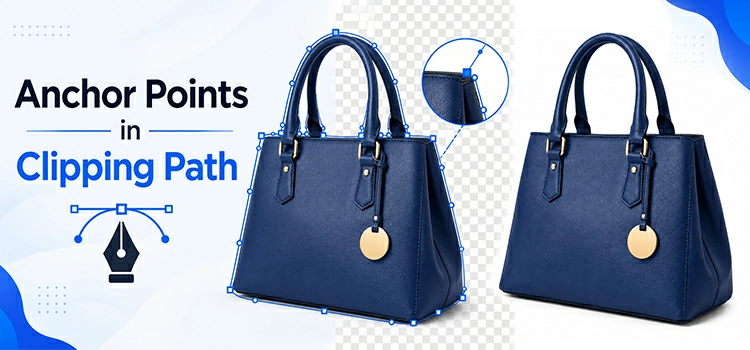
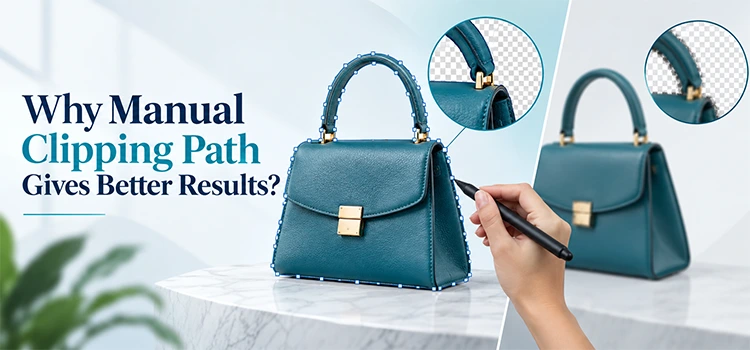
“A clipping path is a vector line drawn around an object in an image. It separates the object from its background. Designers use this path to remove, replace, or edit the background without touching the main subject. It is a core technique in professional image editing.”
A clipping path works like a digital outline. You draw it around the exact shape of your product. Once the path closes, you can remove the background completely. You can also add a new background, a shadow, or a plain white base. This method keeps the product sharp and free from unwanted edges.
Why Does Product Image Quality Matter?

“Product image quality shapes buyer trust and sales. Clear, sharp photos help customers see details, textures, and true colors. Poor image quality creates doubt and lowers conversion rates. High quality photos build brand credibility and make products look more valuable across every online store or catalog.”
Online shoppers cannot touch or feel a product. They rely on images to judge quality. A blurry or poorly cut photo makes a brand look careless. A clean, well edited photo makes the same brand look trustworthy. Good image quality also helps products stand out on crowded marketplace pages.
How Do You Choose the Right Tool for Clipping Path?
“The pen tool remains the top choice for clipping path work. It gives full control over curves and straight lines. Software like Adobe Photoshop and Illustrator support this tool well. Beginners can also try the magnetic lasso for simple shapes, but the pen tool suits complex products better.”
Round or curved products need a steady tool. The pen tool lets you place anchor points exactly where you want them. This control matters for jewelry, bottles, or furniture with detailed shapes. Simple square or rectangular items can use faster tools, but detailed products always benefit from pen tool precision.
What Are the Best Practices for Drawing Clean Paths?
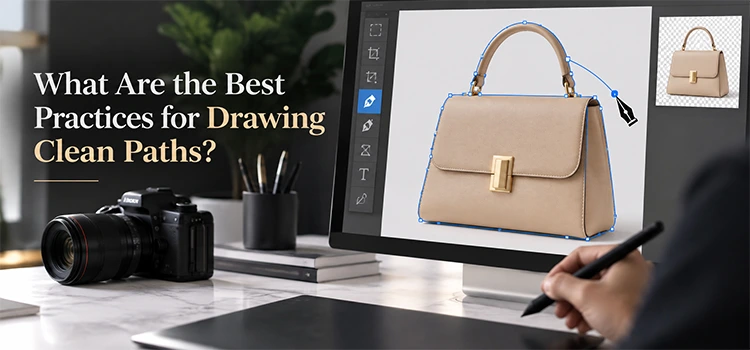
“Clean paths need fewer anchor points and smooth curves. Zoom into the image before you start. Place points only at direction changes. Avoid rushing through curves or corners. Check every edge twice before closing the path. These habits reduce errors and save editing time later.”
Fewer anchor points create smoother lines. Too many points make the path look jagged. Zooming in helps you see small details you might miss at normal size. Corners and curves need extra care since they often hide rough spots. A steady hand and patience make a big difference in the final result.
How Do You Handle Complex Product Shapes?
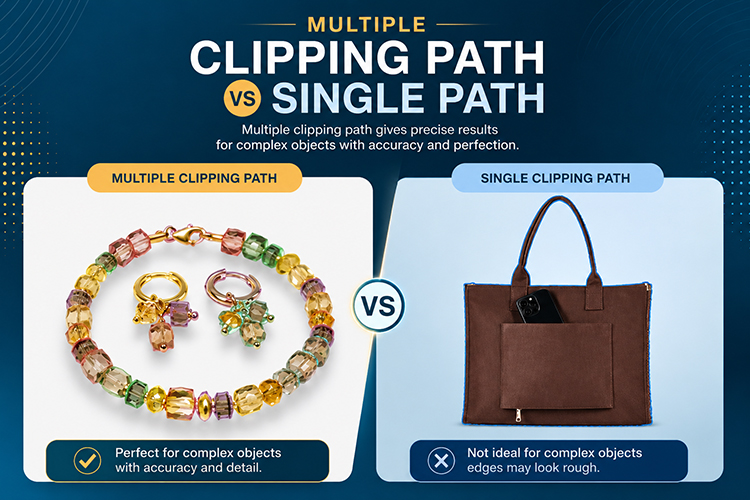
“Complex shapes like hair, fur, or transparent objects need extra layers of care. Use multiple paths for different sections of the same image. Work slowly around fine details. Zoom in as much as needed. Some designers combine clipping path with masking for objects with soft or uneven edges.”
Not every product has a simple outline. Some items have small gaps, holes, or fine textures. A single path often cannot capture these details well. Breaking the image into sections and applying separate paths to each part gives better control. This method takes more time but produces a cleaner final image.
How Does Clipping Path Improve Background Editing?
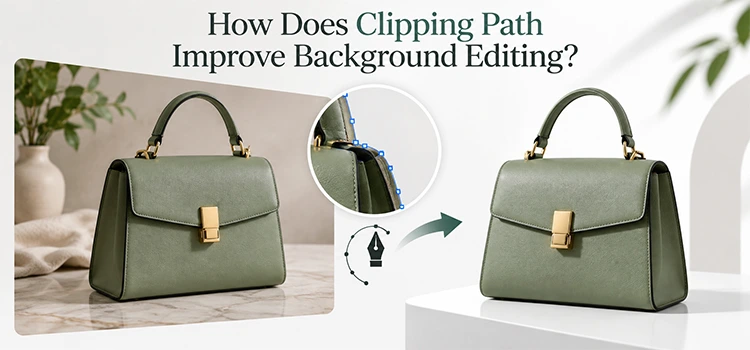
“Clipping path lets you remove, replace, or adjust backgrounds without harming the product. Once the path is set, you can drop in a white background, a lifestyle scene, or a solid color. This flexibility helps brands match their catalog style and keep every photo consistent.”
A consistent background style makes a product catalog look organized. Clipping path gives you full control over what stays and what goes. You can test different background colors quickly once the path is ready. This saves time compared to retaking photos for every background change.
Should You Outsource Clipping Path Work?
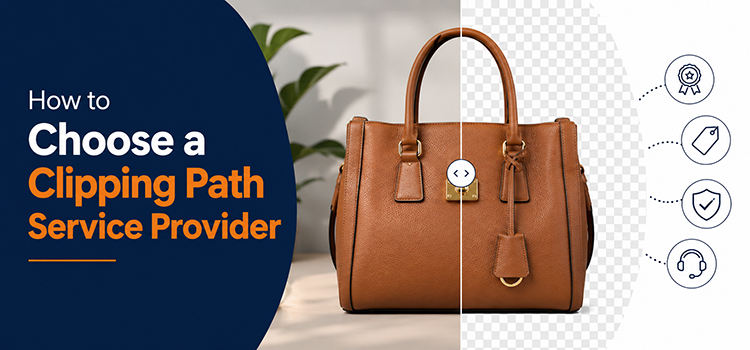
“Many businesses outsource clipping path tasks to save time and get consistent results. Professional photo editing services use trained editors and quality checks on every image. This option works well for stores with large product catalogs or tight deadlines. It also frees up internal teams for other tasks.”
Editing hundreds of product photos takes real time and skill. Small teams often struggle to keep quality consistent across every image. Hiring photo editing services gives access to trained editors who handle bulk orders efficiently. This choice helps stores scale their catalog without slowing down other business tasks.
How Do You Check Quality After Clipping Path?
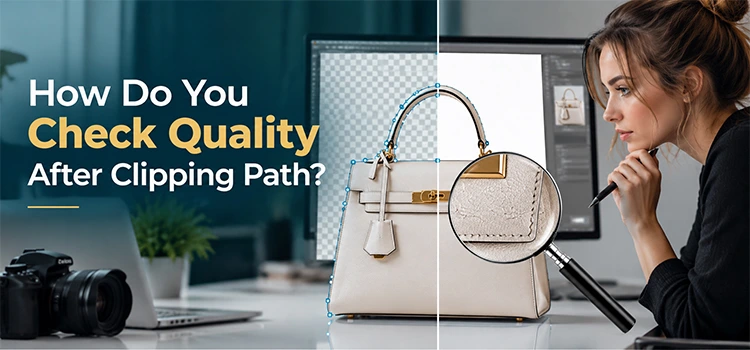
“Quality checks include zooming into edges, testing the image on different backgrounds, and comparing it to the original photo. Look for leftover pixels, rough lines, or color fringes around the object. A final review under different lighting also helps catch small mistakes before publishing the image.”
A rushed check often misses small flaws. Zoom into every edge at high magnification. Place the cut image on a white background and then a dark one. This test reveals leftover shadows or stray pixels that are easy to miss on a single background. A careful review protects your brand image.
Frequently Asked Questions
1. What is the main purpose of a clipping path?
The main purpose of a clipping path is to separate a product from its background with a clean, precise outline. This allows editors to remove, replace, or adjust the background without damaging the product image. It is widely used in eCommerce, catalogs, and advertising photos.
2. Which software works best for clipping path editing?
Adobe Photoshop is the most common choice for clipping path work. It offers the pen tool, layer control, and precise zoom options. Adobe Illustrator also works well for vector based paths. Both programs give editors the control needed for clean, professional results on complex product shapes.
3. How long does clipping path editing usually take?
The time needed depends on the product shape and image complexity. A simple shape like a box may take a few minutes. Complex shapes like jewelry, furniture, or items with fine details can take much longer. Bulk orders often need a team to meet tight deadlines efficiently.
4. Can clipping path handle transparent objects?
Clipping path can handle transparent objects, but it needs extra care and often a combination with masking techniques. Glass, plastic, or sheer fabric items show reflections and soft edges that a single path cannot always capture. Editors usually break these images into layers for better accuracy.
5. Is clipping path only used for background removal?
No, clipping path serves many purposes beyond background removal. Editors use it for color correction, shadow creation, resizing specific areas, and combining multiple images. It gives full control over a defined section of a photo, making it useful for many editing tasks in product photography.
6. What mistakes should beginners avoid in clipping path work?
Beginners often add too many anchor points, rush through curves, or skip zooming in on details. These habits create rough edges and uneven lines. Another common mistake is closing the path too early without checking corners. Slowing down and reviewing each section helps avoid these errors.
7. Why do some businesses choose photo editing services instead of doing it themselves?
Businesses choose photo editing services to save time, maintain consistent quality, and handle large photo volumes efficiently. Trained editors follow strict quality checks and work faster due to experience. This option suits stores with hundreds of products or tight launch deadlines that need reliable turnaround times.
8. Does clipping path affect image file size?
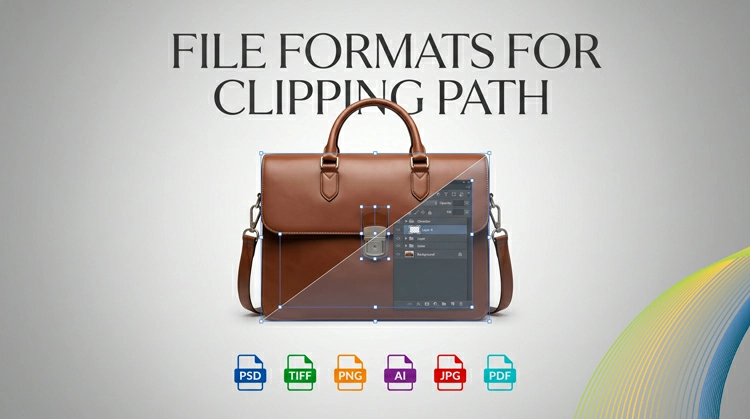
Clipping path itself does not significantly change file size, but the final export settings do. Saving as a layered file with transparency, such as PNG, increases file size compared to a flattened JPEG. Editors choose the format based on how the image will be used later.
9. Can clipping path work on mobile photos?
Yes, clipping path can work on mobile photos, though results depend on original image quality. Sharp, well lit photos with clear edges are easier to trace accurately. Blurry or poorly lit mobile shots may need extra correction before or during the clipping path process for a clean result.
10. How does clipping path help with marketplace listings?
Clipping path helps marketplace listings meet strict image guidelines that many platforms require, such as plain white backgrounds. It also creates a consistent look across an entire product catalog. This consistency builds trust with buyers and helps listings appear more professional next to competitor products.
Related posts

Why Manual Clipping Path Gives Better Results