Photoshop Tools That Beat AI
“Photoshop gives editors full control that AI often cannot match. AI can create quick results, but it changes details without asking. Photoshop tools let you adjust color, texture, type, masks, mockups, and layers with care, precision, and repeatable results every time.”
AI has changed image editing. It helps people test ideas fast. It can remove objects & backgrounds, and build new visuals in seconds. That speed matters.
Still, speed does not solve every problem. Many edits need exact choices. Client may need one shade of red. Product may need true fabric texture. Portrait may need natural teeth, not new teeth. A mockup may need editable text, not a flat picture.
That is where Photoshop still wins. It gives you tools you can control, adjust one layer, mask one area, move a design one pixel and save a file and edit it again later.
AI creates an image. Photoshop gives you the working file. That difference matters for designers, photographers, ecommerce teams, and any photo editing service that needs steady quality.
Why Do Photoshop Tools Still Matter in an AI World?
“Photoshop tools still matter because they follow exact choices. You can move one pixel, change one shade, edit one mask, and save the result. AI often guesses the final image, while Photoshop keeps every part open for correction and reuse.”
AI works from prompts. You describe what you want. Then it creates a result. Sometimes the result looks good. Sometimes it misses small details. The problem grows when you need a fixed outcome.
Photoshop works in another way. It lets you build an image step by step. You can add a layer, lower opacity, change a color value, test a mask and undo a single part without losing the whole edit.
This matters in real work. A brand color must match. A product must look like the item a customer will receive. A model must remain the same person. Text must stay readable. A shadow must follow the light source.
AI can help with ideas. Photoshop helps with control. That control makes the final image safer, cleaner, and easier to revise.
How Do Actions Beat AI for Small Edits?
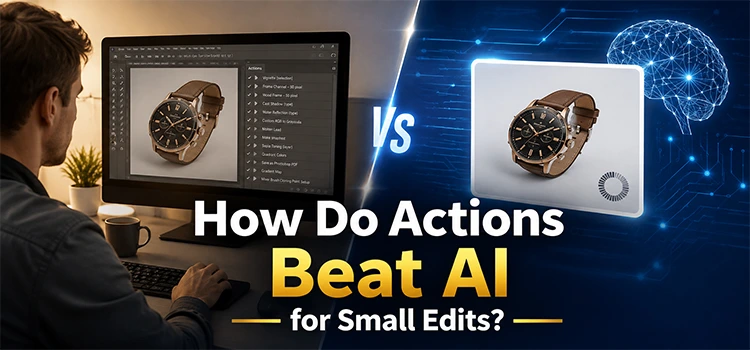
“Actions help you repeat careful edits without rebuilding them each time. They can whiten teeth, sharpen eyes, resize files, or set colors with steady steps. You still control the brush, opacity, mask, and final look, which protects realism and texture.”
Photoshop actions save time. They record steps and play them again. You can use them for common edits like teeth whitening, skin cleanup, sharpening, resizing, and color setup.
The key benefit is control. An action can prepare the edit. Then you decide where it applies. PS allows you paint over teeth with a brush. You can reduce opacity if the effect feels strong. You can erase the mask from areas that do not need change.
AI may understand a simple request like whiten teeth. But it may change the shape of the teeth. It may create rough edges. It may make the smile look fake. That means you still need to repair the result.
With actions, you keep the same face, the same detail, and the same texture. You speed up the job without giving up control.
Why Do Mockups Need Photoshop Control?
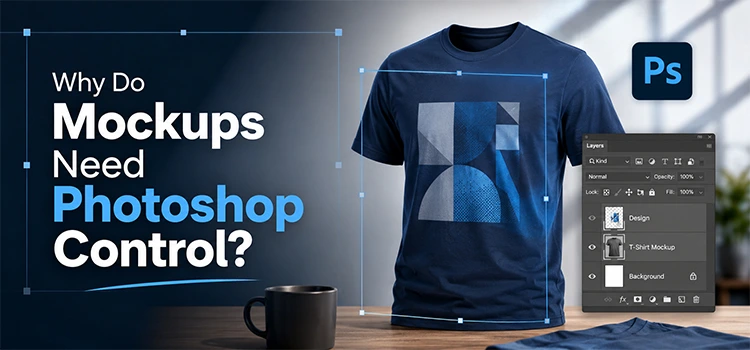
“Mockups need control because products must look real and editable. Photoshop lets you place designs, change fabric colors, adjust shadows, and update text without harming texture. AI may create a nice picture, but it rarely gives editable parts to clients.”
Mockups need accuracy. A t-shirt design must sit on the fabric, label must wrap around the bottle, and logo must follow folds, shadows, and highlights. If the design floats above the object, customers will notice.
Photoshop mockups use smart objects, masks, displacement, blending, and layered shadows. You can double click a smart object, replace the design, save it, and see it on the product. You can change the background, update the color, move the text slightly and do all this without rebuilding the image.
AI may create a product style quickly. But it may damage the fabric texture. It may blur the graphic, invent wrong text. It may also change the shape of the product.
In ecommerce, that risk matters. Buyers expect the photo to match the real item. A good mockup needs flexibility and truth. Photoshop gives both.
How Do Color Tools Protect the Original Image?
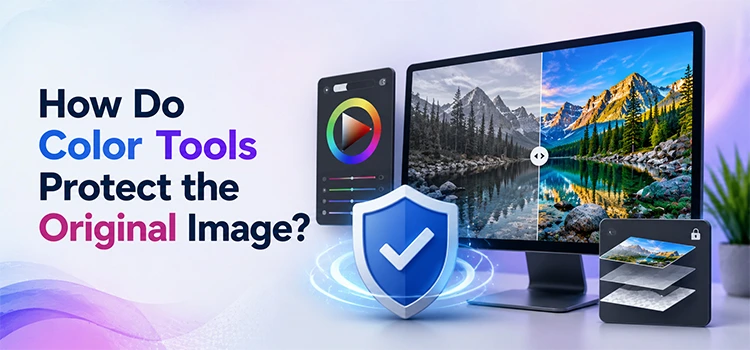
“Color tools protect the original image by changing mood without changing faces, clothes, or product details. LUTs, curves, hue tools, and adjustment layers let editors test looks, lower opacity, and mask areas. AI often changes things you wanted untouched instead.”
Color grading should change mood. It should not change identity. A warm look should not turn a leaf into a strange texture. Retro tone should not change a face. A product color should not shift away from the real item.
Photoshop handles color with adjustment layers. You can use curves, levels, hue and saturation, selective color, gradient maps, and color lookup tables. You can apply the effect to the whole image or only one part, lower opacity, duplicate the grade and mask it away from skin or product areas.
This gives editors room to test. They can build a style and still protect detail. They can create a brand look and still keep product color accurate.
AI often changes more than color. It may replace texture, smooth detail and alter faces. That makes it risky for work that needs trust.
Why Are Layers and Masks Better Than a Prompt?
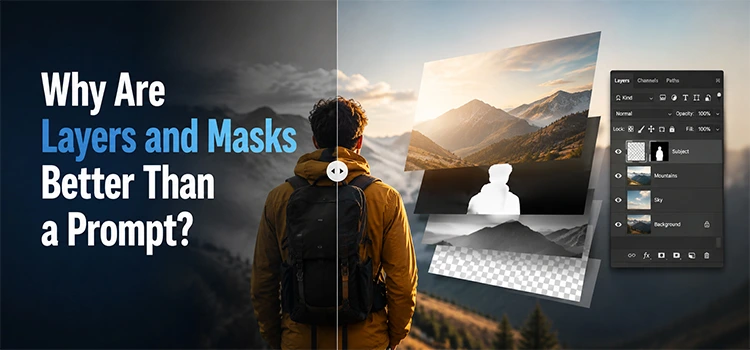
“Layers and masks give you a clear path to fix any edit. You can hide, reveal, soften, sharpen, move, or remove parts without starting over. A prompt gives one result, while layers give many careful choices inside one file workflow.”
Layers make Photoshop powerful. Each part of the edit can live on its own. You can keep the subject on one layer, the background on another, the color grade above them, and the shadow in between.
Masks make those layers flexible. A mask lets you show or hide part of a layer without deleting it. You can paint with black to hide, paint with white to reveal, use a soft brush for smooth edges and refine hair, fabric, and product edges with care.
A prompt does not give this kind of structure. It gives a finished result. If one part looks wrong, you often need to generate again. That creates a loop of guessing.
Layers and masks let you fix the exact problem. They also keep the file ready for future changes.
How Do Text and Type Tools Beat AI?
“Text tools beat AI because real text must stay readable, editable, and brand safe. Photoshop lets you change fonts, spacing, shine, shadows, texture, and size. AI often breaks letters, invents words, or makes text hard to reuse in final designs.”
Text needs discipline. A headline must read clearly, brand font must stay correct, sale banner must carry the right message and product label must not contain invented words.
Photoshop gives direct control over type. It can change the font, tracking, kerning, line height, color, size, and alignment. You can also add layer styles like bevel, shadow, stroke, glow, and texture. Photoshop also lets you save styles and reuse them across designs.
This helps with thumbnails, posters, product ads, banners, and social graphics. You can adjust the text after client feedback, correct a spelling issue in seconds and change a word without changing the whole design.
AI still struggles with text. It may create unreadable letters, distort words and mix styles in odd ways. For professional design, editable type remains a clear Photoshop advantage.
Why Do Texture and Overlay Tools Need Human Choice?
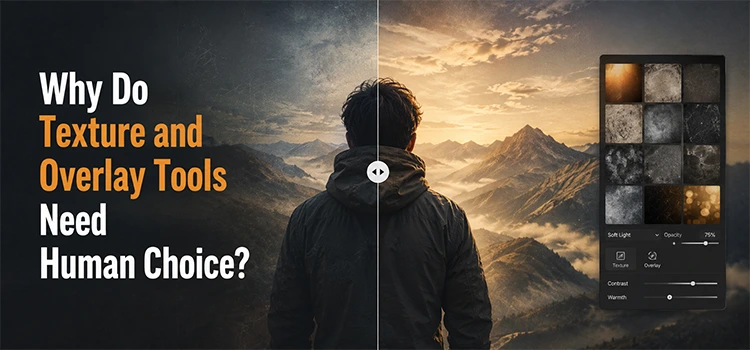
“Texture and overlay tools need human choice because placement changes the whole image. A real texture can sit behind a subject, blend with light, and stay sharp. AI may add strange marks, change skin, or damage product surfaces during editing.”
Textures add feeling. They can make a clean background look like concrete, paper, wood, fabric, metal, or film grain. Overlays can add light leaks, dust, flares, rain, or depth. But placement matters.
Photoshop lets you choose a real texture and place it exactly where it belongs. You can resize, rotate, mask it behind a subject. You can also use blend modes like multiply, screen, overlay, or soft light and unlink the mask and move the texture without moving the hidden area.
This level of choice helps the image feel natural. It also protects the subject. You can keep texture away from skin, eyes, products, logos, and text.
AI may add a texture that looks random. It may place marks on important areas. It may change the subject while adding the overlay. Photoshop lets you keep the style and protect the image at the same time.
How Does Compositing Show Photoshop Strength?
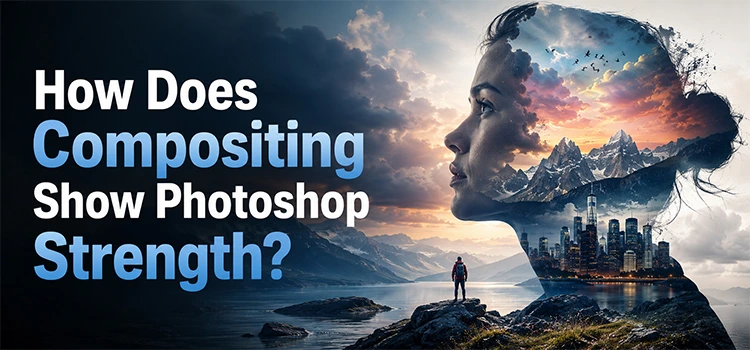
“Compositing shows Photoshop strength because every object needs light, scale, shadow, and direction. Editors can match a sky, flip it, mask it, and blend it. AI can add a sky fast, but it may ignore the real light and perspective.”
Compositing means building one image from many parts. It can include a new sky, a product background, a shadow, a light flare, a prop, or a new scene. Good compositing needs more than adding objects. It needs visual logic.
Photoshop gives tools for that logic. You can select the sky, place a new sky behind the subject, flip it so the light matches, use masks to blend edges, use curves to match brightness and add shadows where objects touch the ground.
AI can add a dramatic sky in seconds. But it may ignore where the light comes from. It may add clouds that fight the subject. It may change people, buildings, or product shapes.
Photoshop lets you build the composite with care. It lets you match each part to the image. That makes the result more believable.
What Role Do Brushes, Patterns, and Plugins Play?
“Brushes, patterns, and plugins make Photoshop feel like a full workshop. You can paint eye detail, build seamless patterns, create shadows, extract signatures, and reuse custom tools. AI gives one guess, while these tools support planned creative work with control.”
Photoshop brushes do more than paint. They can add hair detail, eye shine, skin texture, dust, smoke, watercolor edges, light, and fine marks. You can place each brush stroke on a new layer. You can rotate it, mask it, blur it, or lower opacity.
Patterns help designers build repeatable designs. You can create flowers, shapes, cloth prints, backgrounds, packaging art, and surface designs. With pattern preview, you can check if the design repeats cleanly.
Plugins add more power. Some plugins create shadows, extract signatures, help with compositing, manage color and speed up retouching. The value comes from repeatable control.
AI may generate a pattern or a painted effect. But it may not repeat cleanly. It may include strange details. It may create artwork that you cannot edit well. Photoshop tools let you create, adjust, and reuse assets with purpose.
When Should You Use AI and When Should You Use Photoshop?
“Use AI when speed matters and the image does not need strict accuracy. Use Photoshop when clients need exact colors, clean masks, real texture, editable text, and repeatable files. The best workflow uses AI carefully, then finishes with Photoshop control.”
AI works well for quick ideas. It can help with rough concepts, extend a background, remove simple objects, suggest moods. It can help when the final detail does not need strict review.
Photoshop works best when accuracy matters. Use it for product images, portraits, brand assets, mockups, packaging, advertising, and client files. Use it when you must keep the original subject, color, texture, and text.
The smartest workflow does not need to reject AI. It needs to use AI in the right place. You can use AI for speed. Then you can use Photoshop for final control.
For a professional photo editing service, this balance matters. Clients need fast delivery. They also need clean files, correct colors, and revisions. Photoshop makes that possible.
What Do People Ask About Photoshop Tools and AI?
“People often ask if AI will replace Photoshop. The better question asks which tool gives the right result. AI helps with speed and ideas, while Photoshop protects control, realism, editing freedom, and client changes across serious visual work every day.”
-
Can Photoshop beat AI in photo editing?
Photoshop can beat AI when the work needs exact control. AI can create fast results, but it may change important details. Photoshop lets you adjust layers, masks, colors, type, texture, and shadows. It also keeps files editable for future changes.
-
Is AI bad for image editing?
AI is not bad for image editing. It can save time and help with ideas. The problem comes when people expect it to follow exact instructions every time. For careful work, you still need human judgment and tools that allow precise edits.
-
Why do professionals still use Photoshop?
Professionals use Photoshop because it gives control over every part of an image. They can protect product colors, fix small edges, edit text, create masks, and match shadows. They can also revise the same file later without rebuilding the whole image.
-
Are Photoshop actions better than AI edits?
Photoshop actions are better for repeatable tasks that need the same result each time. They can speed up whitening, sharpening, resizing, and color setup. AI may do these tasks quickly, but it can also change shapes, edges, or details without permission.
-
Why does AI struggle with mockups?
AI struggles with mockups because mockups need editable parts, real texture, correct shadows, and accurate placement. A design must sit on fabric, paper, glass, or packaging in a believable way. Photoshop smart objects make this easier and more reliable for teams.
-
Can AI handle product photo editing?
AI can help with simple product photo tasks, but it can make risky changes. It may alter color, shape, texture, or logo detail. Product photos need accuracy because buyers rely on them. Photoshop gives editors better control over the final result.
-
Why are layers important in Photoshop?
Layers let editors separate each part of the image. One layer can hold the subject. Another can hold the background. Other layers can hold shadows, color, text, and effects. This structure makes the file easy to fix, update, and reuse.
-
What makes Photoshop better for text?
Photoshop keeps text editable. You can change the font, size, spacing, color, and style. You can also add shadows, texture, shine, and strokes. AI often makes text look strange or unreadable, so it does not suit serious design work well.
-
Should beginners learn Photoshop or AI first?
Beginners should learn basic image rules first. They should understand light, color, edges, masks, and composition. Photoshop teaches those skills better because users see each step. AI can help later, but it should not replace careful learning of the craft.
-
What is the best workflow for AI and Photoshop?
The best workflow uses AI for speed and Photoshop for control. You can use AI to test ideas or remove simple objects. Then you can finish the image in Photoshop with masks, layers, color correction, smart objects, and clean final checks.
What Should You Remember About Photoshop Tools That Beat AI?
“Photoshop wins when the work needs control, not just speed. AI can help with ideas, but Photoshop helps you finish images with accuracy. Learn masks, layers, actions, mockups, brushes, type, color, and plugins. These tools build stronger creative judgment daily.”
AI will keep improving. It will get faster, understand more prompts, help many people create images with less effort. That progress has value.
But serious editing still needs control. You need tools that let you decide what changes and what stays the same. Clients need layers that remain editable, need masks that protect detail and need text that stays readable. You need mockups that clients can revise.
Photoshop gives you that control. It does not only create the final image. It gives you the brush, the layer, the mask, and the file. That is why many Photoshop tools still beat AI in real creative work.
The goal is not to choose one side forever. The goal is to use each tool with care. Use AI when it helps. Use Photoshop when accuracy matters. Master the basics first. Good taste and clear control will always make better images.