Is Clipping Path Still Relevant in the Age of AI Photo Editing?
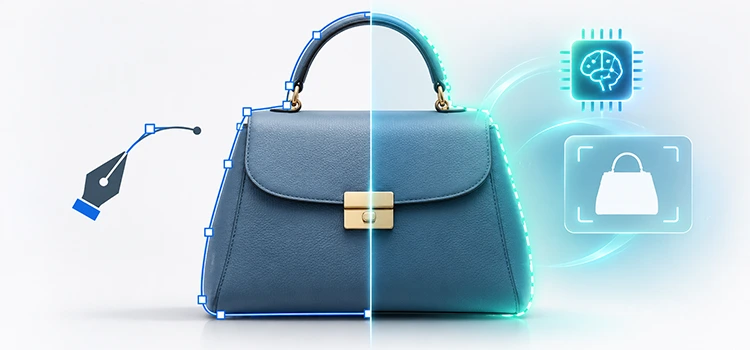
AI has changed the way we edit photos. Tasks like background removal, object selection, and image enhancement that once took several minutes can now be completed in seconds. With these advancements, many photographers, eCommerce businesses, and creative professionals are asking an important question: Is clipping path still relevant in the age of AI photo editing?
While AI offers impressive speed and convenience, it does not always deliver the precision, accuracy, and consistency required for professional product images. Complex edges, intricate product details, transparent objects, and delicate curves still present challenges for automated tools.
Clipping path remains a valuable photo editing technique, particularly when image quality directly influences brand perception and purchasing decisions. Rather than replacing traditional editing methods entirely, AI is opening new opportunities to combine automation with human expertise.
In this article, we will explore why clipping path still matters, where AI falls short, and how combining both approaches can deliver better results in modern photo editing.
What Is a Clipping Path?
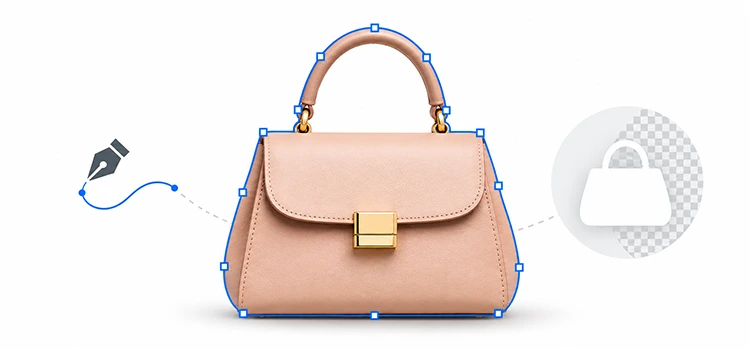
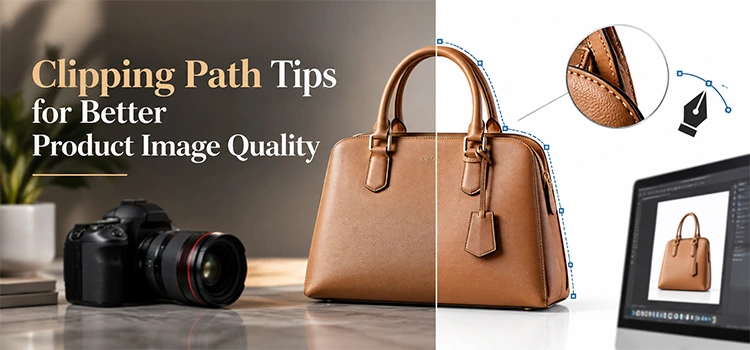
A clipping path is a technique to create a vector outline and make a selection. A photo editor draws it around an object in a photo. The outline separates the object from its background. Then the editor removes the background, replaces it, or edits the object alone.
Editors usually draw clipping paths with the Pen Tool in Adobe Photoshop. They place anchor points along the edge of the object. They adjust curves by hand. The result is a sharp, smooth, and exact edge.
Clipping path services help many industries. Ecommerce stores, photographers, print shops, catalog designers, and marketing teams all use them. Product images need clean edges, and a clipping path delivers that.
What Is AI Photo Editing?
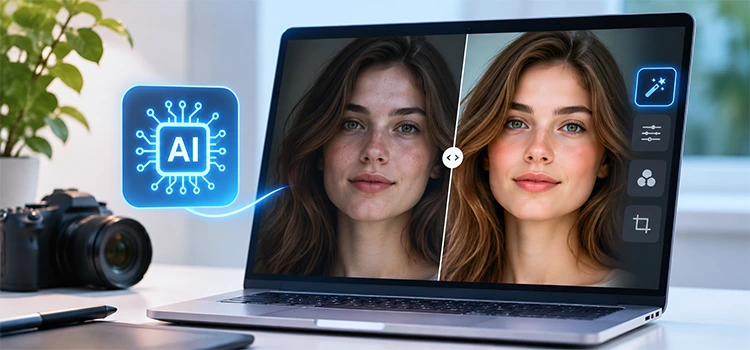
AI photo editing uses trained software to edit images. The software studies millions of photos. It teaches what a person, a product, or a sky looks like. Then it guesses where the edges of an object sit.
AI tools can remove backgrounds, fix colors, retouch skin, and fill in missing areas. Many tools run in a browser or on a phone. Most of them need no design skills.
The main benefit is speed. A tool can process a photo in seconds. Some tools can handle hundreds of photos at once. It helps teams with tight deadlines.
Where AI Photo Editing Works Well
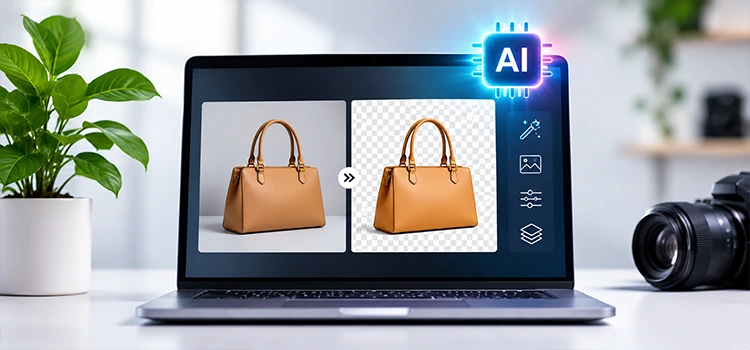
AI tools have real strengths. You should use them when they fit the job.
Simple backgrounds– If a product sits on a plain white or light surface, AI usually finds the edge with ease.
Social media content– Posts on Instagram or Facebook do not need perfect edges. A quick cutout often works fine.
Large batches with low risk– If you have thousands of basic photos, AI saves time and money.
Quick drafts– Designers often use AI to test ideas. They try a layout, then switch to manual editing for the final file.
Basic retouching– AI handles small fixes such as dust removal, light balance, and minor color changes.
These strengths matter. AI has made simple editing faster and cheaper. But simple editing is only part of the work.
Where AI Photo Editing Falls Short
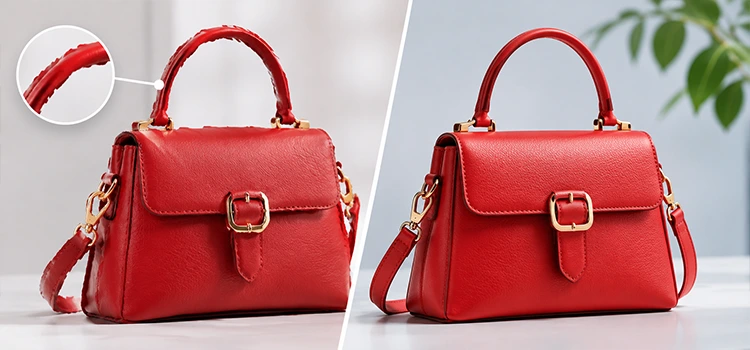
AI tools still make mistakes. Many of those mistakes are easy to miss at first glance. They show up when you zoom in, print the image, or place it on a new background.
Rough or uneven edges-AI often leaves a soft or jagged edge. It may cut off a small part of the object. It may leave a halo of old background color.
Complex shapes– Jewelry chains, bicycle frames, chairs with thin legs, and mesh fabric have holes and fine details. AI often fills in those holes or removes them by mistake.
Low contrast photos– If the object and background share similar colors, AI struggles to tell them apart. A white shirt on a white wall is a common example.
Shadows and reflections– AI may remove a natural shadow. It may keep a shadow you wanted to remove. Glass and shiny metal cause even more trouble.
Inconsistent results– Two similar photos can give two different cutouts. It hurts brands that need a uniform look across a full catalog.
Limited control– When AI makes an error, you cannot easily fix one point on the edge. You often need to run the tool again and hope for a better result.
Why Clipping Path Still Matters
Clipping path remains relevant because it gives you control and accuracy. A skilled editor sees the image and makes careful choices. Here are the main reasons businesses still rely on it.
- Precision at the pixel level
An editor places each anchor point with intent. The path follows the true shape of the object. Edges stay crisp at any zoom level. It matters for large prints, banners, and high resolution displays.
- Clean results on complex products
Human editors handle detail with care. They can trace the inside of a ring, the holes in a basket, or the strap of a handbag. They know which areas to keep and which to remove.
- Consistent quality across a catalog
A trained team follows one set of rules. Every image gets the same edge quality, the same margin, and the same style. Your store looks neat and professional.
- Fits print and packaging needs
Print work demands exact shapes. A clipping path can save as part of the image file. Printers use it to cut, mask, or place the object on a layout. AI cutouts rarely offer this level of control.
- Easy edits later
A path is vector data. You can change it at any time and move a point, smooth a curve, or reshape a section. You do not need to start over.
- Marketplace rules
Amazon, eBay, and other platforms have strict image rules. Many require a pure white background and a clean edge. A small error can lead to a rejected listing. Manual work lowers that risk.
- Human judgment
An editor can decide what looks natural. They keep a soft shadow when it helps the photo. They remove a stray hair or a loose thread. AI follows patterns, but a person understands context.
Clipping Path vs AI: A Simple Comparison
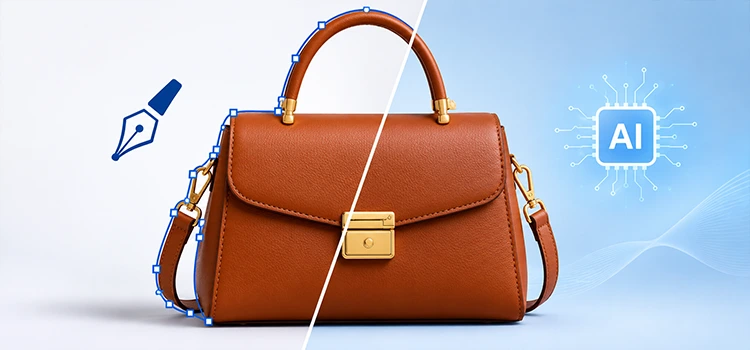
If you look at speed first, AI wins. It finishes a task in seconds, while a manual editor may need several minutes per image.
Look at cost next. AI tools cost less for each image, especially at high volume. Clipping path costs more, but the price often reflects the quality you get.
In terms of accuracy, again clipping path wins. A skilled editor beats AI on complex edges and fine detail.
Regarding consistency, clipping path wins. A team can match every image to a style guide.
Clipping path wins in controlling anything. You can fix any point on the edge.
Neither method is best for every job. Each one fits a different need.
When You Should Use Clipping Path
You should use clipping path when you need to remove, replace, or isolate the background of an image with precise, clean edges. This technique is particularly effective for products with well-defined shapes, such as shoes, bags, furniture, electronics, and jewelry.
It is widely used in eCommerce product photography, advertising, catalogs, and print design to create professional and consistent visuals. Clipping path also allows you to edit specific parts of an image, adjust product colors, and create transparent backgrounds without affecting the original subject.
However, for images with soft or complicated edges, such as hair, fur, or feathers, image masking is generally a better choice.
When You Can Use AI
AI can be a practical alternative to manual clipping path when images have simple shapes, clearly defined edges, and good contrast between the subject and background. Products such as boxes, bottles, shoes, and basic electronic accessories can often be isolated using AI-powered background removal tools.
AI is particularly useful when processing large volumes of images, working with tight deadlines, or preparing visuals for social media and eCommerce listings. It helps reduce editing time, manual effort, and production costs.
However, when dealing with complex product details, transparent objects, complex edges, or high-end commercial photography, manual clipping path remains a more reliable option. A hybrid approach combining AI automation with human refinement can deliver the right balance of speed, accuracy, and image quality.
The Hybrid Workflow: The Best of Both
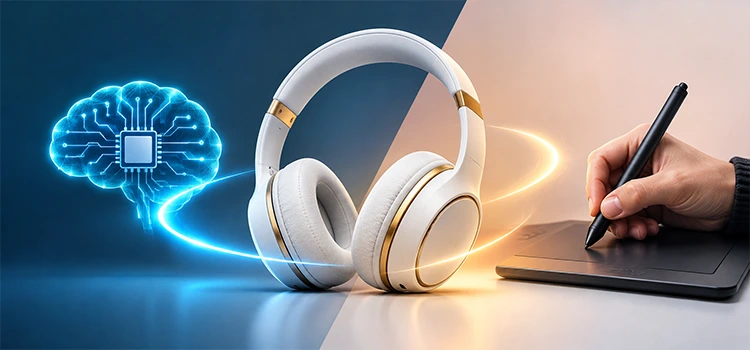
Many professional teams now combine both methods. This approach saves time and keeps quality high.
Here is how a hybrid workflow often works:
- The team runs the photos through an AI tool to get a first cutout.
- An editor reviews each result.
- The editor fixes weak edges and missing details with the Pen Tool.
- For complex images, the editor skips AI and draws a full path by hand.
- A quality check confirms that every file meets the standard.
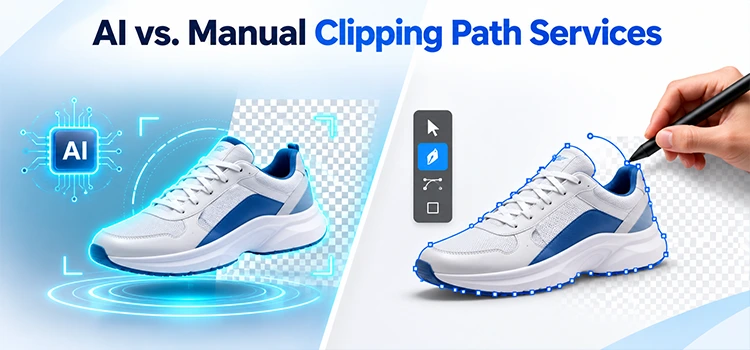
This method uses AI for speed and humans for accuracy. It also shows that AI does not replace clipping path rather it supports.
How AI Is Changing the Clipping Path Industry
AI has changed how editors work. Many studios now use AI to handle the first pass. Editors spend less time on easy tasks. They spend more time on detailed work and quality control.
This change helps clients too. Turnaround times drop. Prices for basic edits have become more flexible. Clients still get expert results when the job needs it.
The role of the photo editing expert has grown. Today, a professional image editor knows both manual skills and AI tools. They pick the right method for each image.
What to Look for in a Clipping Path Service
If you outsource your editing, check these points before you hire a provider:
- Sample work- Ask for samples that match your product type.
- Edge quality- Zoom in on the samples and check for smooth, clean edges.
- Turnaround time- Confirm that the provider can meet your deadlines.
- Pricing- Look for clear prices with no hidden fees.
- Revision policy- Make sure the provider fixes errors at no extra cost.
- File formats- Confirm that you can get PNG, JPG, PSD, or TIFF files.
- Data security- Ask how the provider protects your images.
The Future of Clipping Path
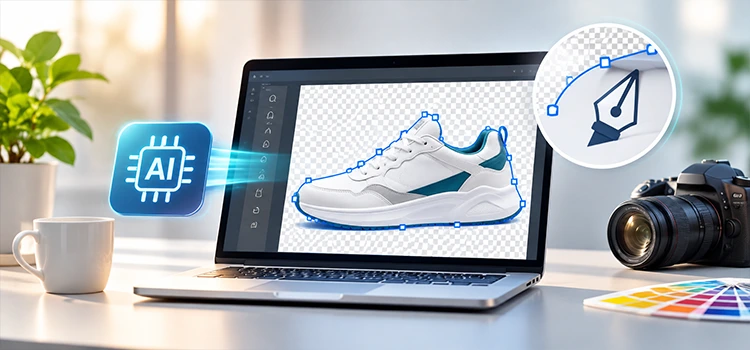
AI will keep improving. Edge detection will get better. Tools will handle more complex scenes. Some tasks that need manual work today may become automatic in the future.
But quality standards will also rise. Brands will want sharper images and more natural results. Print and high resolution displays will demand exact edges. Human editors will keep a place in these workflows.
The smart move is to stay flexible. Learn what AI can do and where it fails. Use each method where it works best.
Conclusion
Clipping path is still relevant in the age of AI photo editing and retouching. AI gives you speed and low cost. It works well for simple photos and quick tasks. Clipping path gives you accuracy, control, and consistency. It works best for complex products, print jobs, and strict quality standards.
You do not need to pick one side. Many businesses get the best results by using both. Let AI handle the easy work. Let skilled editors handle the detailed work.
Review your images, budget, and goals. Then choose the method that fits each project. That approach protects your quality and respects your time.
Frequently Asked Questions (FAQs)
-
What is a clipping path in simple terms?
A clipping path is an outline around an object in a photo. Editing personel use it to cut out the object and remove or change the background.
-
Will AI replace clipping path services?
No, not fully. AI handles simple images well. It still struggles with complex edges, fine details, and strict quality needs. Most studios now use AI as a helper, not a replacement.
-
Is AI background removal good enough for ecommerce?
It depends on the product. For simple items on clear backgrounds, AI often works fine. For items with thin parts, shiny surfaces, or similar colors, manual clipping path gives better results.
-
Which is faster, AI or clipping path?
AI is faster. It can finish a cutout in seconds. Manual clipping path takes more time, but it gives you a cleaner and more exact result.
-
Which method costs less?
AI usually costs less per image, especially for large batches. Clipping path costs more because skilled editors do the work by hand. Consider the cost of errors and reshoots too.
-
What types of images need a clipping path the most?
Jewelry, furniture with thin legs, bicycles, chains, mesh items, and products with fine edges need it the most. Print and packaging images also need it.
-
Can AI tools handle hair and fur?
Some AI tools do a decent job with hair and fur. They still miss fine strands in many cases. For high quality results, editors often use masking techniques instead.
-
What is the difference between clipping path and image masking?
Clipping path works best on objects with sharp, defined edges. Image masking works best on soft or fuzzy edges such as hair, fur, and smoke. Both methods can work together in one project.
-
Can I combine AI and clipping path?
Yes. Many teams use AI for a first cutout. An editor then refines the edges by hand. This hybrid method saves time and keeps quality high.
-
How do I choose a good clipping path provider?
Ask for samples that match your products. Check the edge quality up close. Compare prices, turnaround times, and revision policies. Confirm that the provider keeps your files safe.
Related posts



Why Manual Clipping Path Gives Better Results