

September 6, 2026
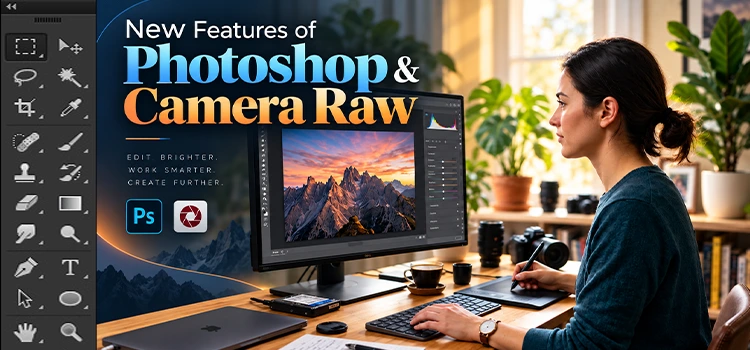
“Photoshop and Camera Raw added 20 new features in the September 2026 update. These include AI assisted editing, dynamic text fit, glow effects, vector scope tools, better skin tone control, generative expand for raw files, and smart mask edges. Each feature saves time and improves your final image.” Photoshop keeps
February 26, 2026
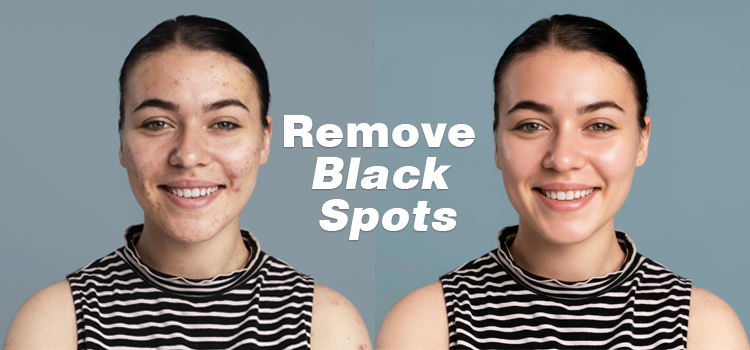
Honestly most “quick fix” photo retouching to remove black spots from face will leave you with plastic skin, smeared pores, and a face that looks like it was airbrushed in past decades. If you want to remove black marks from face fast in Photoshop while keeping texture believable, you need
February 2, 2026
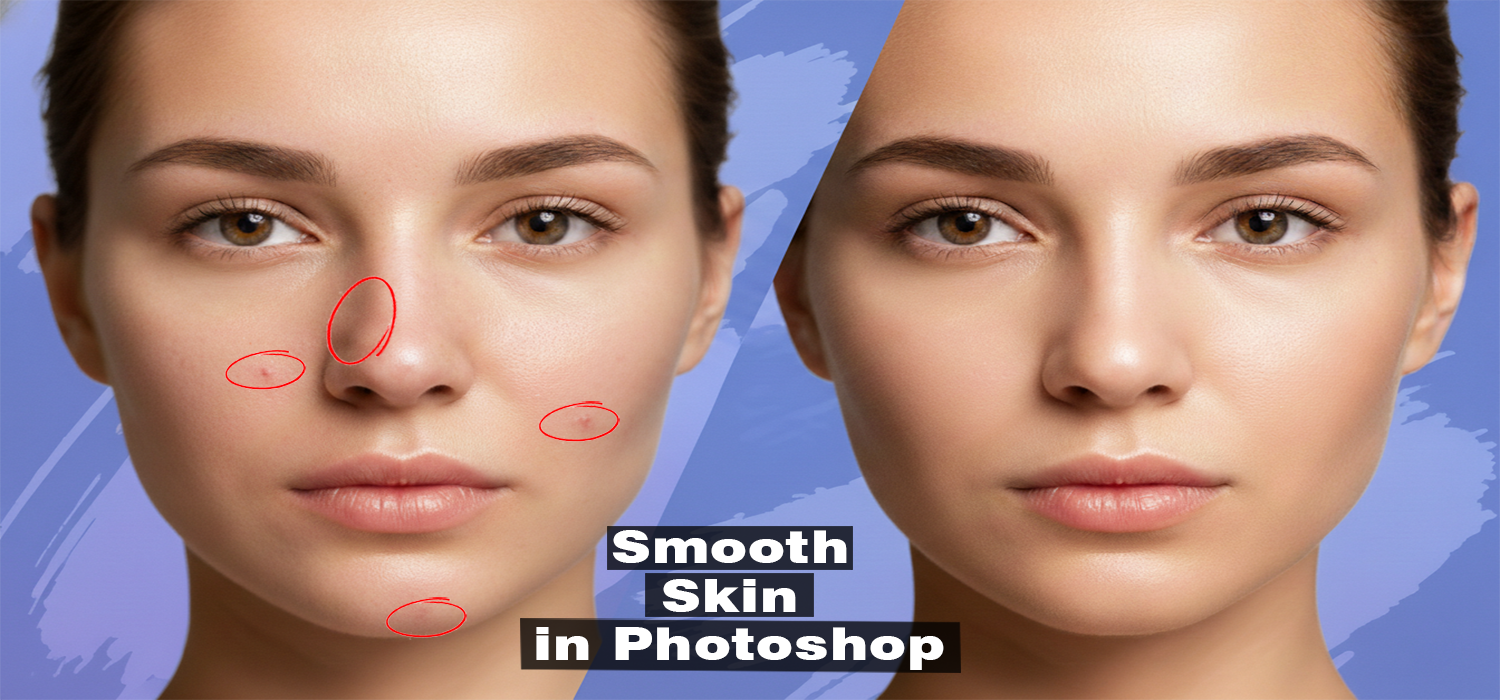
Smooth skin of a photo has always been a tricky job in Photoshop. If you overdo smooth the skin, the face will look artificial. If you barely smooth, the blemishes will still be visible. Neural Filters are a completely new solution to the problem. Standard Photoshop Neural Filters employ AI
November 11, 2025
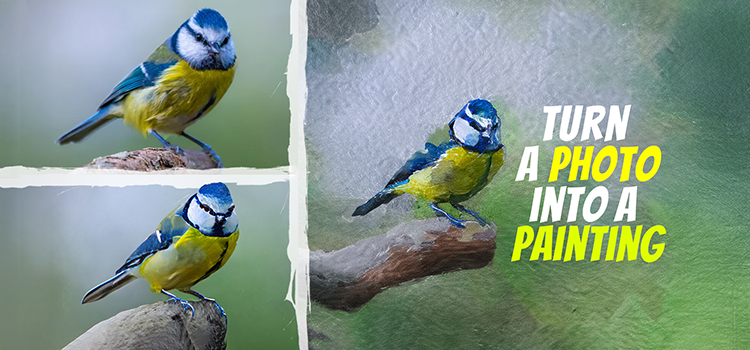
Turning a photo into a painting is one of the coolest creative tricks you can do in Photoshop and the results can be seriously stunning. If you work for a classic oil painting, a soft watercolor vibe, or a bold digital art look, Photoshop gives you all the tools you
July 9, 2025

Feeling swamped while trying to edit faster in Photoshop? You’re not alone. Every designer, photographer, or content creator knows that point. Creativity comes to a standstill due to the numerous menus. Photoshop shortcuts come to the rescue. These key combinations enable the completion of tasks in mere seconds. Be it
December 19, 2024

The Vanishing Point tool in Photoshop helps create realistic perspectives. It’s useful for architectural designs, product mockups, and fixing distorted photos. This tool makes editing easier and more precise. It applies perspective grids for perfect alignment in complex scenes. This guide will show you how to use the Vanishing Point
October 28, 2024

A simple change, like adjusting eye direction, can transform a photo. Photoshop makes it easy to correct a gaze or focus on a subject. Just a few tools are needed. This tutorial guides you step by step. Even beginners can easily follow it. You’ll learn to subtly change eye direction
July 29, 2024

Transform your photographs into stunning artwork by applying a watercolor aesthetic in Photoshop. This tutorial is designed for those seeking to infuse their images with an artistic touch. Adding watercolor effects can make your photos very vibrant. They will also become ethereal and unique. Initially, we will prepare the workspace.
July 10, 2024

Want to edit photos way faster? Photoshop actions can do just that. Imagine clicking once and getting a bunch of edits done simultaneously. Sounds awesome, right? That’s what these tools can do. They’ll save you a ton of time and make sure your edits look the same across all your
March 10, 2024

If you have a stock of product photos, you may need to change the products’ colors. Whether you have commercial or personal photos, some of them may have dull or inappropriate colors, distracting viewers. While mismatches in commercial product photo colors can affect your overall sales, imperfect colors for personal