AI Photo Editing: What Works, What Fails, and What’s Next?
If you work in AI and try to edit photos, you have probably noticed the shift: AI in Photo Editing is no longer a novelty feature. It is a real production layer inside modern editing tools. But it is also not magic. AI is fantastic at a few things (selection, cleanup, speed). It is still unreliable at others (precision, consistency, and brand-safe output without a human finish).
This post is a reality check from a working photo-editor mindset: what AI is genuinely good at today, what it still struggles with, and where it is trending next.
The big picture: AI is becoming standard, not “Experimental”
Creative workflows are adopting generative AI fast. Adobe has reported global generative AI adoption among creative pros around 70–75%, with 87% in the U.S. using generative capabilities.
That adoption is not just curiosity. It is driven by the fact that AI features are now embedded in the tools designers already use: Photoshop, Lightroom ecosystems, web editors, and high-volume e-commerce pipelines.
And the market is responding. Major research firm’s project continued growth in photo/image-editing software. For example, Technavio forecasts the photo editing software market will increase by about USD 606.1M from 2024 to 2029, at about 8.4% CAGR.
(Heads-up: market-size estimates vary widely by what each report includes: consumer apps vs pro software vs plug-ins. Use them directionally, not as a single “true number.”)
What AI is great at right now (the practical wins)
1) Fast selections and masking: the modern “Clipping path starter”
For a working editor, the biggest AI win is not generating fantasy images. It is selection.
AI-assisted selection gives you a strong first cut on:
- products on clean backgrounds
- portraits with simple hair edges
- furniture, shoes, gadgets, bottles
- common shapes with strong contrast
This is where AI clipping path workflows make sense: you let AI produce the base mask, then a human editor corrects edge issues (micro-halos, semi-transparent plastics, hair strands, fringing).
What is changed: AI has moved from “rough lasso” to “usable base layer” for many standard images. That reduces time spent on the boring part of clipping paths and pushes human effort to finishing and QC.
2) Background removal at scale (where volume matters more than perfection)
Background removal is one of the most productized AI tasks on Earth because it is measurable and repetitive. For typical e-commerce use cases, AI can deliver very strong results quickly, especially when the subject is clear and the background is predictable.
But here is the fact: background removal accuracy is not evenly distributed.
AI might feel like 95% perfect on sneakers, and 60% on:
- hair against similar tones
- sheer fabrics
- glass edges and reflections
- objects with holes (chairs, jewelry chains)
- motion blur
So if you are building a production workflow: AI background removal is a speed layer, not a final layer.
3) Cleanup tasks: dust, blemishes, small distractions
Editors live inside micro-fixes:
- dust specks
- sensor spots
- tiny background imperfections
- small skin blemishes
- mild object removal
AI does well here because the edits are localized, and “close enough” often passes unless you are in high-end beauty or luxury product.
A good rule: If you would normally fix it with a small healing brush or clone stamp, AI is probably safe.
If you’d normally rebuild texture, preserve product truth, and match brand references… that’s where humans still win.
4) Upscaling and enhancement
AI upscaling is extremely useful when:
- a client sends undersized images
- you need multi-platform crops
- you’re trying to salvage old assets
But it comes with a serious warning: upscalers can invent texture. That is fine for lifestyle content. It can be dangerous for product listings where the client expects accurate fabric weave, label print, or surface finish.
If you edit for e-commerce, treat AI upscaling as “resolution help”, not “detail recovery.”
5) Speedy idea exploration (concepts, not finals)
Generative tools are incredible for mockups and ideation:
- background concepts
- scene mood
- rough comp exploration
- marketing variations
- placeholder assets
This can shrink concept time dramatically. Adobe has shared early signals of how quickly these features got used. For instance, Adobe reported 150 million images generated in Photoshop in two weeks using Generative Fill early on.
That is not a quality claim. It is a behavior claim: people use it because it is frictionless.
Where AI struggles (and why it still needs humans)
1) Edge truth: hair, fur, translucent, reflective surfaces
AI can isolate hair quickly, but it often fails in subtle ways:
- “crispy” edges
- melted strands
- haloing
- background color spill
- unnatural cut lines
If you work with fashion, beauty, or pets: the final 10% matters, and AI still loses time there because you must fix what it breaks.
2) Consistency across a product catalog
E-commerce editing is not one image. It is 300 images that must look like one brand.
AI often drifts on:
- whites that are not truly white
- shadow density and direction
- color neutrality
- exposure consistency
- texture smoothing differences
- inconsistent cropping logic
Humans (or strict rule-based pipelines) still beat AI when the deliverable is “same look, every time.”
3) Text and labels (small typography is still risky)
AI can do wonders, but small product text can get messy:
- invented lettering
- warped logos
- unreadable type
- incorrect packaging details
If the product has compliance labels or brand marks, you need human checking.
4) “Looks good” vs “is correct”
AI edits can be visually pleasing but factually wrong:
- changing product geometry
- inventing texture
- altering reflective materials
- subtly reshaping faces or bodies
For commercial work, “pretty” is not enough. You need publish-safe accuracy.
5) Legal and licensing questions do not disappear
Even with “commercially safe” approaches, you still need clarity on usage, training data, and rights. Adobe positions Firefly as designed for commercial use and integrates it across Creative Cloud workflows.That helps, but every brand should still maintain internal rules on what is allowed for product imagery, model imagery, and client-owned IP.
AI vs human: the most honest comparison
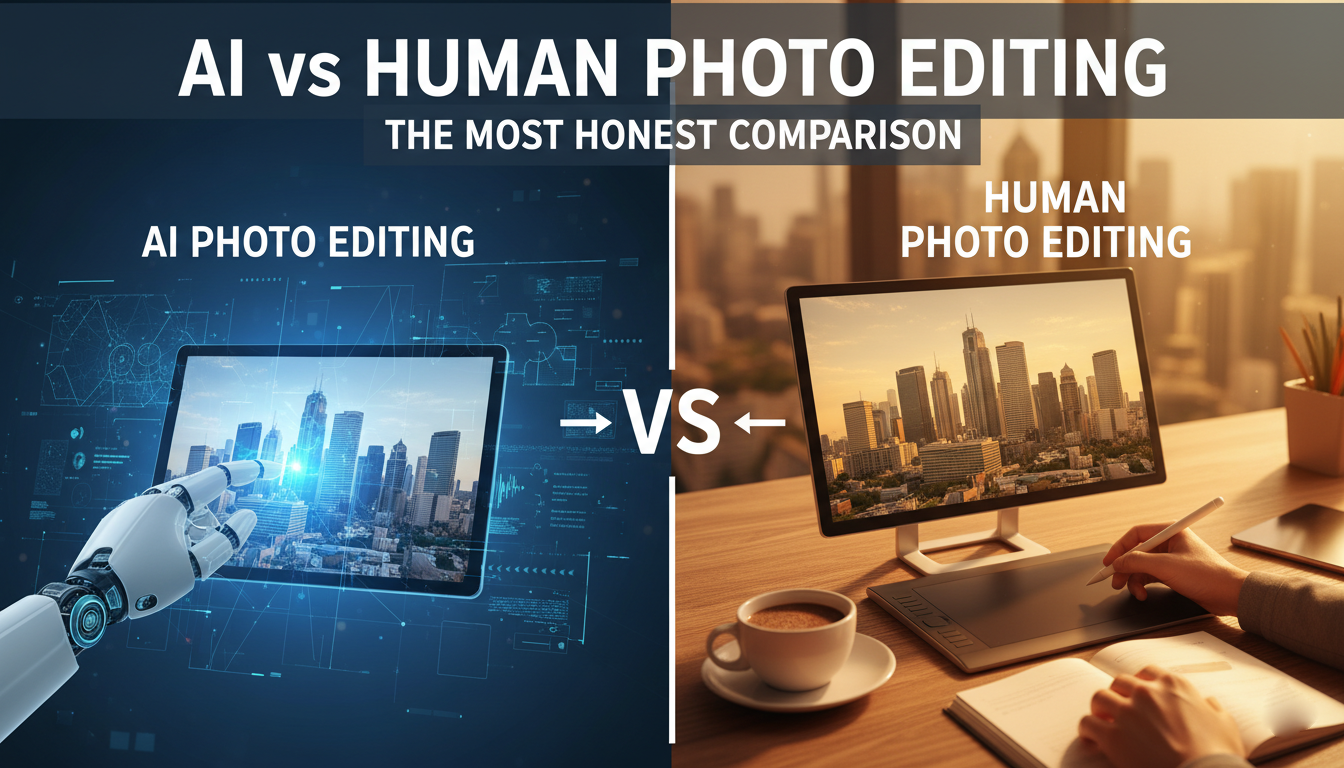
Here is the cleanest way to frame it:
AI is a speed multiplier on standardized tasks.
Humans are the quality lock for anything client-facing and brand-sensitive.
So the winning workflow today is hybrid:
- AI does the first pass (selection, background removal, cleanup suggestions)
- human editor finishes (edge truth, color accuracy, retouch realism)
- human QC makes it publish-safe
This is not theory. It is where the industry is moving, because it is the only way to get both throughput and consistency at scale.
Modern trends shaping AI photo editing right now
AI is becoming native inside Photoshop workflows
This matters because adoption follows convenience. Tools like Generative Fill and Expand are “right there” in the workflow, not a separate app. Adobe’s Firefly rollout and Creative Cloud integration pushed this mainstream quickly.
Generative AI output volume has exploded
Media coverage has reported massive usage at scale, with Adobe stating Firefly has generated billions of images since launch (as reported by TechCrunch in 2024).
Again, not a quality metric, but it shows scale and momentum.
Mobile-first editing is rising
Creators increasingly edit on mobile, and AI features are being packaged into mobile workflows (even when the final output is exported elsewhere). This trend is pushing simpler, faster AI features that work without deep technical controls.
The “editor role” is shifting toward QA, test, and manually edit
As AI takes over repetitive labor, the human editor’s value moves up the chain:
- taste and judgment
- brand consistency
- accuracy verification
- finishing detail
- ethical and legal decision-making
You’re less of a “mask factory,” more of a “quality director.”
What you should use AI for (and what you shouldn’t)
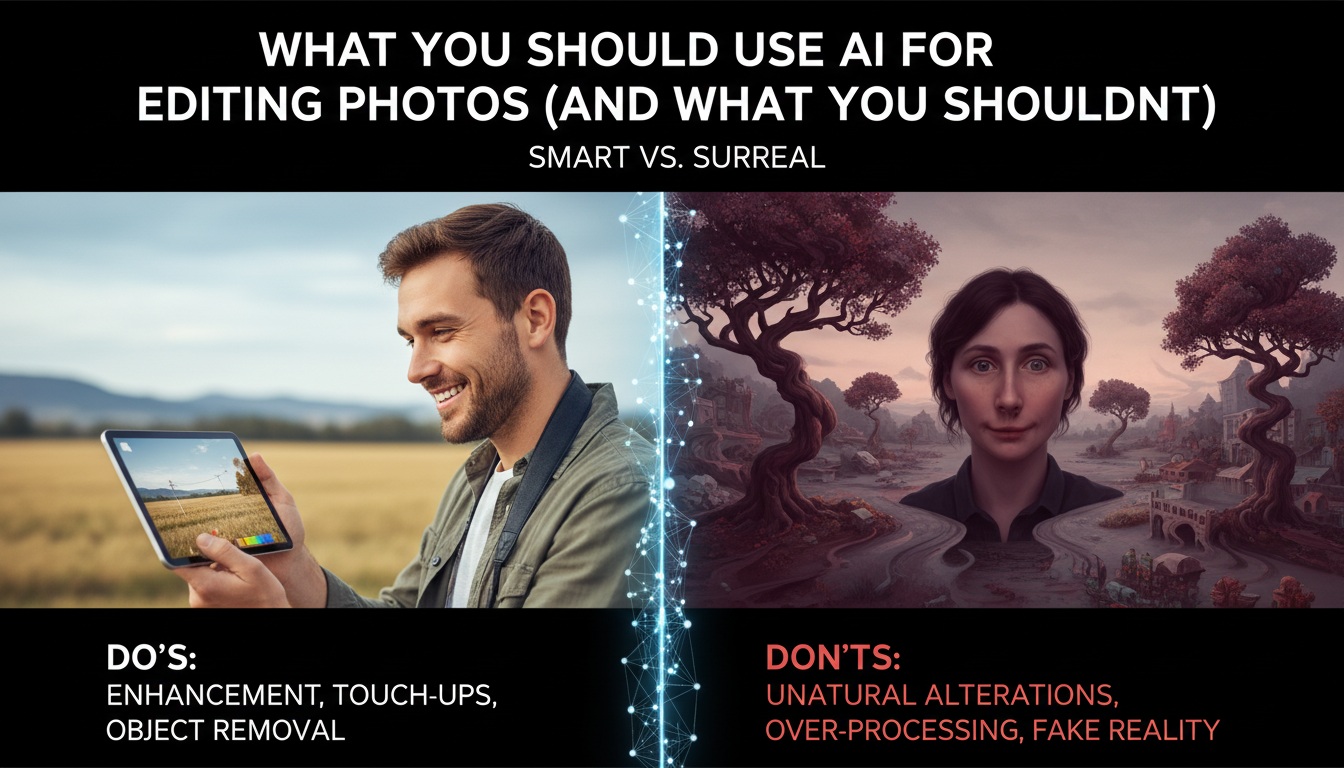
Use AI when:
- need fast first-pass clipping paths
- processing high volume with moderate tolerance
- doing cleanup that is easy to verify
- exploring design concepts
- you need quick variations for marketing comps
Avoid AI-only when:
- the client expects perfect edges (hair, fur, sheer fabric, glass)
- the work is luxury product, beauty, jewelry, or high-end fashion
- text/logos must be flawless
- catalog consistency matters more than speed
- legal compliance and product truth are critical
The best teams treat AI like a junior assistant: useful, fast, sometimes brilliant, occasionally wrong, always needing supervision.
What is next (the realistic roadmap)
Based on how tools are evolving, expect:
- better subject understanding (materials, edges, reflections)
- more “style consistency” controls for catalog work
- tighter integration of third-party models and specialized AI inside editing suites
- more automated QA checks (detect halos, detect warped logos, flag risky edits)
- more policy and provenance controls for enterprise clients
But even as AI improves, the business demand for consistency and trust means human QA will not disappear. It becomes more central.
FAQs
1) Can AI replace Photoshop for professional photo editing?
Not fully. AI can take care of some parts of the workflow automatically, but Photoshop (and human skill) is still quite important for getting things done with high accuracy: edge control, brand consistency, accurate color, and publish, safe finishing.
2) What is the best AI tool for clipping path and background removal?
For speed, AI background removal tools are excellent for common subjects. For pro results, the best workflow is AI for the first cut, then a human finish for hair, transparent objects, and fringing.
3) How accurate is AI clipping path today?
On clean subjects with strong contrast, It is often very good. On hair, fur, lace, glass, or low-contrast edges, accuracy drops and you’ll still need manual refinement.
4) Is AI photo editing good for e-commerce product images?
Yes, especially for high volume. But for catalog consistency (same whites, same shadows, same crop rules), you still need human QA and standardized guidelines.
5) Does AI editing reduce the cost of photo editing?
It can, because it cuts first-pass time. But if AI creates edge artifacts or incorrect details, correction time can cancel the savings. Savings are real when AI output is reusable, not when It is messy.
6) Can AI retouch skin like a professional beauty editor?
It can do quick smoothing and blemish cleanup, but it often over, smooths or breaks texture.
Human judgment and texture, preserving technique are still essential for high, end skin retouching.
7) Can AI upscale low-resolution images without losing quality?
AI is capable of raising resolution and getting images to look sharper, however, it might create some details from scratch. To ensure product accuracy, use upscaling judiciously and always check the upscaled image against the original one.
8) Is AI photo editing safe for commercial use?
It is dependent on the program, licensing conditions and the client’s requirements. Some platforms are aimed at commercial workflows, but companies should still decide on a set of rules regarding permissible changes, especially in the case of logos, packaging, and IP.
9) What are the biggest problems with AI photo editing right now?
Edge truth (hair/fur/transparent objects), consistency across a catalog, text/logo accuracy, and looks good but factually wrong are the types of editing that can bring client risk.
10) What’s the best workflow: AI-only, human-only, or hybrid?
Most professional teams go for Hybrid: AI helps them finish repetitive tasks faster, and the human involvement ensures the finishing touches and QC. It means you get both volume and quality that is safe to publish.